12 Best Architectural Rendering Software Options for 2026

In modern architecture and interior design, a compelling visual is as crucial as a solid blueprint. The ability to transform a digital model into a photorealistic scene can win clients, secure project approvals, and bring a design to life long before breaking ground. But the market for visualization tools is crowded, with options ranging from industry-standard powerhouses to disruptive AI-powered platforms. This guide cuts through the noise. We'll explore the 12 best architectural rendering software solutions available today, breaking down their strengths, ideal use cases, and practical limitations.
Whether you're a solo practitioner needing to produce stunning visuals in minutes or a large firm requiring a robust production pipeline, this comprehensive list will help you identify the perfect tool. Each entry provides a detailed analysis, complete with key features, pricing overviews, and insights into who the software serves best, from architects to real estate marketers.
We've done the deep research so you can make a confident decision. This is not just a list of features; it’s a practical guide to matching the right rendering technology to your specific workflow, project scale, and creative goals. We include direct links and visual examples for each platform, helping you translate your architectural vision into a breathtaking reality. Let's find the software that will elevate your designs from mere models to immersive, believable spaces.
1. MoldaSpace
MoldaSpace emerges as a powerful and disruptive force in the architectural visualization landscape, earning its place as our featured choice for the best architectural rendering software for solo practitioners and agile studios. It leverages AI to deliver photorealistic renders from a wide array of inputs, including sketches, floor plans, and 3D models, in approximately 30 seconds. This staggering speed fundamentally changes the design workflow, transforming rendering from a final-stage bottleneck into an interactive, real-time design tool.
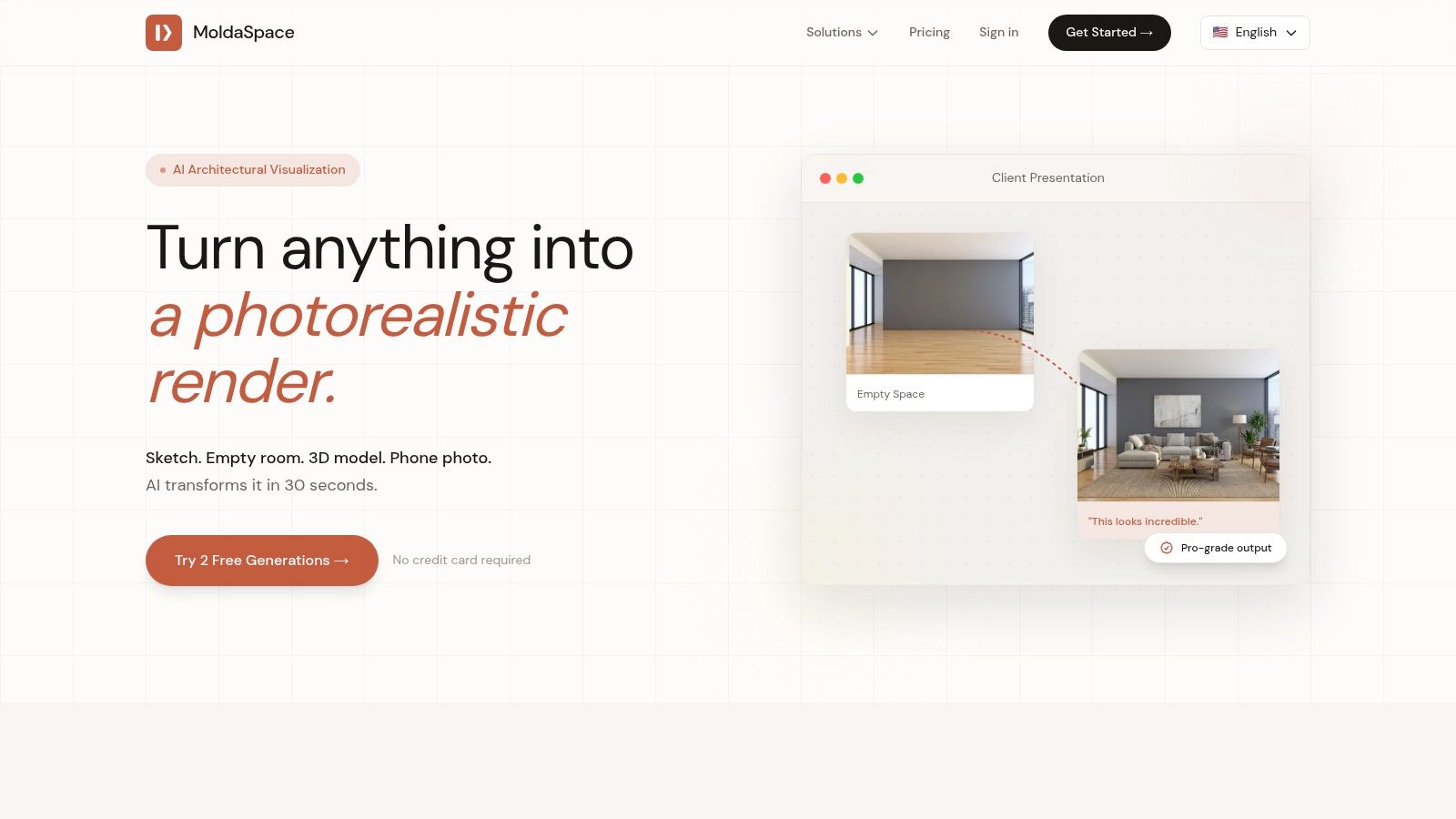
The platform’s core strength lies in its accessibility and efficiency. It allows a single designer to produce the high-quality visuals typically associated with large firms possessing dedicated render farms and specialized staff. This capability empowers smaller practices to “show up like a team of 10,” leveling the playing field for client presentations, marketing materials, and virtual staging.
Key Features and Strengths
- Unmatched Speed: Generates high-fidelity images in about 30 seconds, enabling rapid iteration and live design adjustments during client meetings.
- Intuitive Control: Utilizes natural-language prompts to define materials, lighting, and mood. It also features one-click style presets like Japandi, Scandinavian, and Mid-Century Modern for instant aesthetic shifts.
- Broad Compatibility: Seamlessly integrates into existing workflows by accepting inputs from industry-standard software (SketchUp, Revit, Rhino, 3ds Max), as well as simpler formats like phone photos and hand-drawn floor plans.
- Cost-Effective Model: The pay-as-you-go credit system is a significant advantage. There are no subscriptions, and credits never expire, making it an economical choice for firms with fluctuating project demands.
Practical Use Cases
MoldaSpace excels in scenarios requiring speed and high-quality visual communication. For interior designers, it’s ideal for quickly generating multiple design concepts for a client to review. Real estate agents can use it to virtually stage empty properties from a simple phone photo, creating compelling marketing imagery in minutes. Architects can find immense value in its ability to translate early-stage models into polished visuals for proposals and stakeholder approvals; many architects use MoldaSpace to accelerate their early-phase design visualization.
The primary benefit of MoldaSpace is its ability to radically compress the feedback loop. Designers can explore more creative directions in less time, leading to better-informed decisions and more satisfied clients.
Limitations and Considerations
While its outputs are suitable for the vast majority of professional presentation needs, MoldaSpace is not a replacement for traditional renderers like V-Ray or Lumion when absolute technical precision is required. For final construction documentation or large-format print applications demanding granular control over every material shader and light bounce, established engines still hold an edge. Achieving perfect results can also take a few prompt iterations as you refine your descriptions.
- Pricing: 2 free generations to start (no credit card required). The most popular package is $19 for 40 generations (approx. $0.47 per image), with a 7-day money-back guarantee.
- Website: https://moldaspace.com
2. Chaos V-Ray
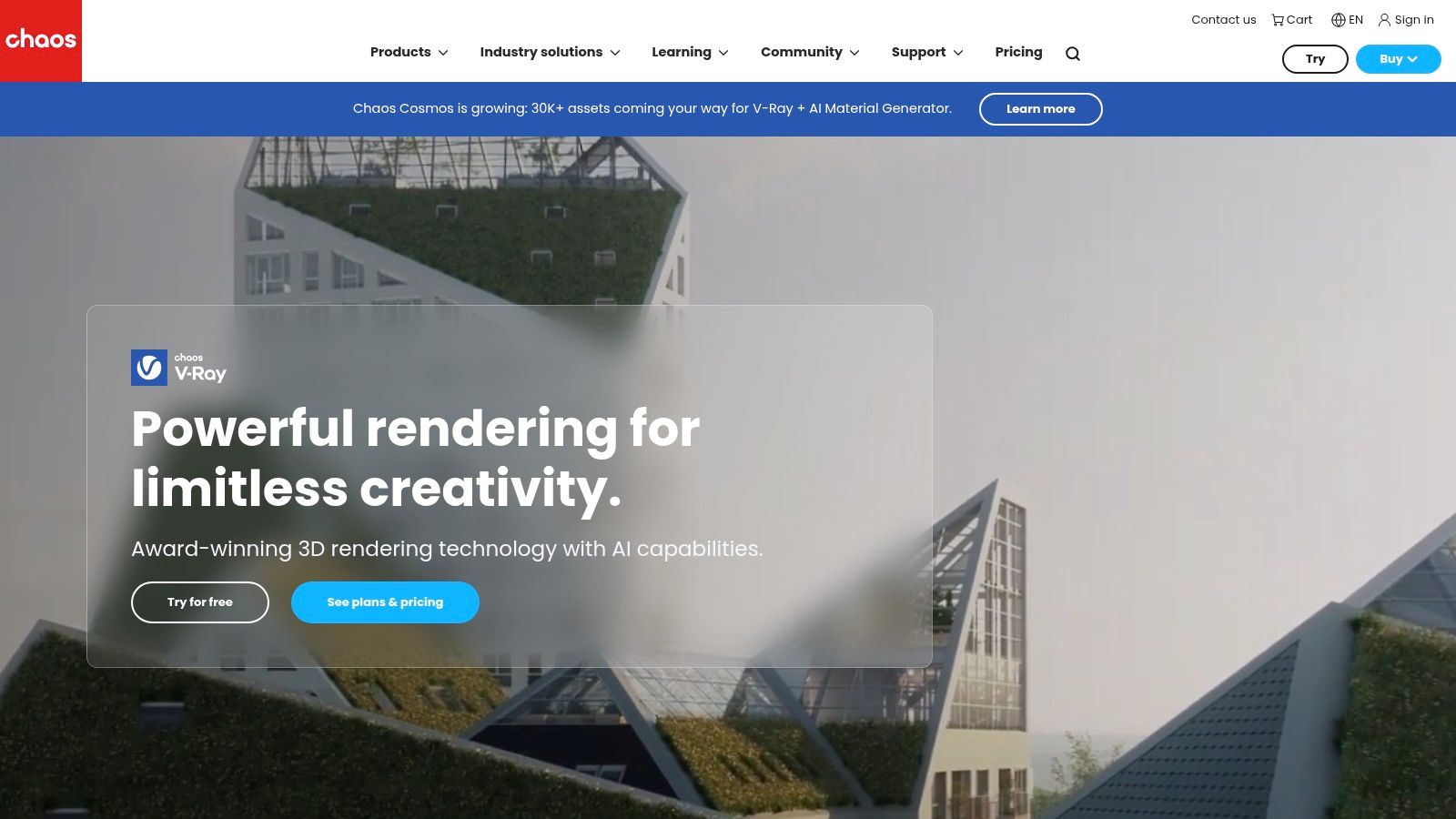
Chaos V-Ray is a powerhouse in the world of architectural visualization, widely considered an industry standard for producing photorealistic stills and animations. Unlike standalone applications, V-Ray functions as a plugin, integrating directly into popular 3D modeling and CAD software like SketchUp, 3ds Max, Revit, and Rhino. This seamless workflow allows architects and designers to build and render within a single, familiar environment, which is a major advantage for efficiency.
Its reputation is built on delivering physically accurate lighting, materials, and atmospheric effects, making it one of the best architectural rendering software options for high-stakes client presentations and marketing materials where realism is non-negotiable. The integration with the Chaos ecosystem, including the Cosmos asset library and Vantage for real-time exploration, further extends its capabilities.
Core Features & Analysis
- Hybrid Rendering: V-Ray's engine can leverage both CPU and GPU hardware, giving users flexibility. GPU rendering provides interactive feedback for look development, while CPU rendering is often preferred for complex final frames.
- Deep Host Integration: It doesn't just export models; it lives inside your primary tool. This means you can adjust native lights, cameras, and materials in SketchUp or Revit and see the changes reflected in your V-Ray render.
- Extensive Material Library: The Chaos Cosmos library offers thousands of high-quality, render-ready assets like furniture, vegetation, and materials that can be dropped directly into a scene, dramatically speeding up the design process.
Ideal User and Use Case
V-Ray is best suited for architecture firms, visualization studios, and experienced solo practitioners who require complete control over the final image and cannot compromise on quality. It excels in creating marketing-grade hero shots for real estate developments, detailed interior design proposals, and cinematic architectural animations. Its robust toolset is perfect for projects that demand bespoke materials and complex lighting scenarios that simpler tools cannot handle.
Pricing and Access
Chaos offers subscription-based licensing with several tiers. The V-Ray Solo plan is ideal for individual users and locks to one computer, while the V-Ray Premium plan includes access to all V-Ray integrations, Chaos Phoenix, Chaos Player, Chaos Scans, and the Chaos Cloud rendering service. Floating licenses are available for studios needing to share access across a team.
- V-Ray Solo: Starts at approximately $466.80 per year.
- V-Ray Premium: Starts at approximately $694.80 per year.
| Feature | V-Ray Solo | V-Ray Premium |
|---|---|---|
| User Type | Individual Freelancer/Designer | Professional Studios & Teams |
| Host App Access | One host app integration | All V-Ray integrations (3ds Max, SketchUp, etc.) |
| Included Products | V-Ray, Chaos Cosmos | V-Ray, Cosmos, Phoenix, Player, Scans, Cloud Credits |
| Licensing | Node-locked (1 machine) | Floating license |
Strengths & Weaknesses
Pros:
- Unmatched Realism: Consistently produces photorealistic and physically accurate results.
- Vast Community: Extensive online tutorials, forums, and third-party assets are widely available.
- Ecosystem Integration: Works seamlessly with other Chaos products like Cosmos and Vantage.
Cons:
- Steep Learning Curve: Mastering its extensive settings for materials, lighting, and rendering can be challenging for beginners.
- Hardware Demands: Requires a powerful computer, especially for complex scenes and high-resolution animations.
For more information or to start a trial, visit the official website: https://www.chaos.com/vray.
3. Chaos Corona
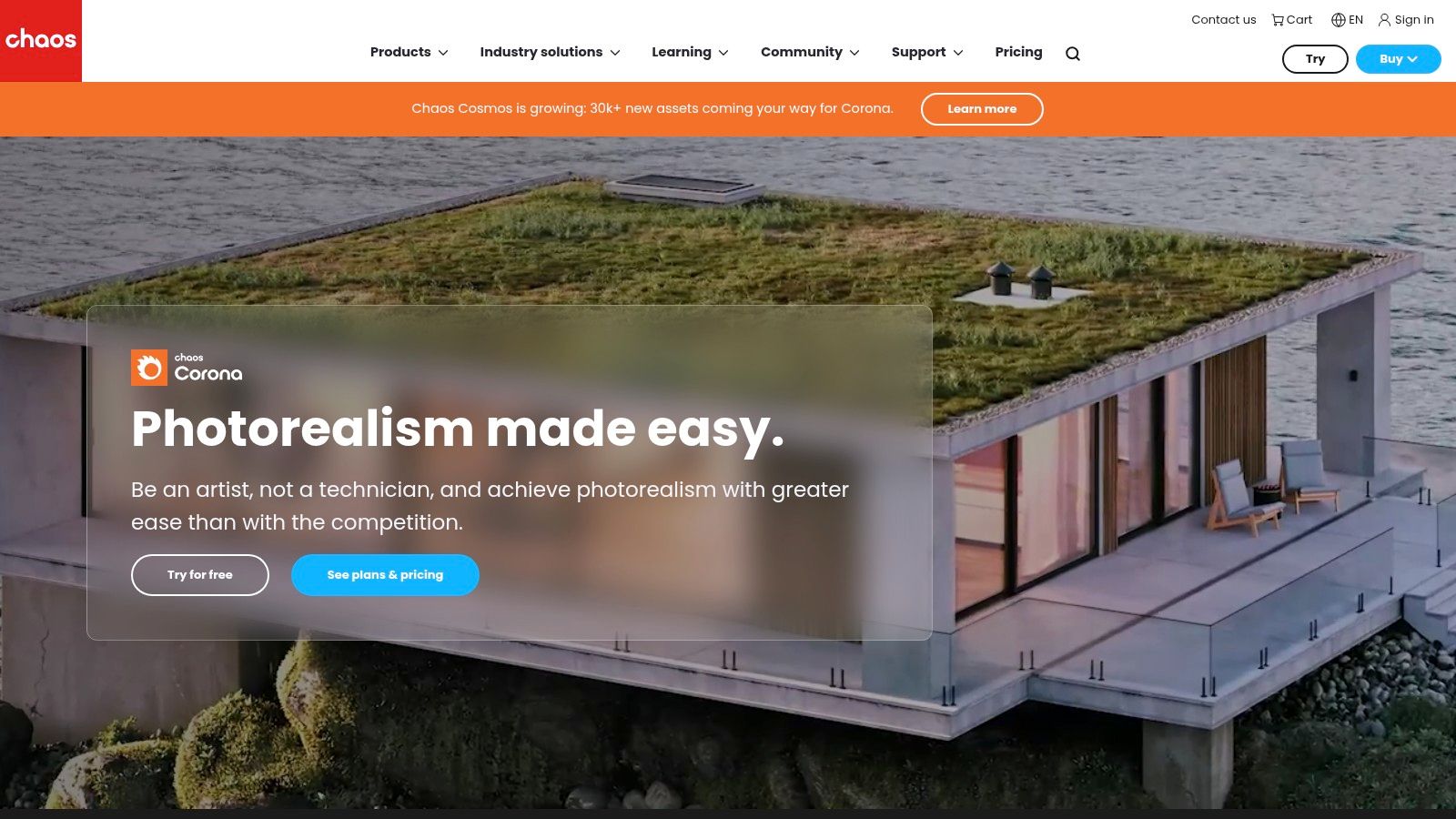
Chaos Corona has carved out a niche as an artist-friendly photoreal renderer celebrated for its speed and intuitive workflow, particularly within interior architectural visualization. Like its sibling V-Ray, Corona operates as a powerful plugin, integrating primarily with Autodesk 3ds Max and Maxon Cinema 4D. Its design philosophy prioritizes simplicity and predictability, allowing artists to achieve stunning realism without getting bogged down in complex technical settings.
This focus on an efficient, artist-centric experience makes it one of the best architectural rendering software choices for designers who need to produce high-quality interior and product shots quickly. Features like the interactive LightMix allow for real-time adjustments to lighting and mood post-render, a game-changer for client feedback and creative exploration. Its inclusion in the Chaos ecosystem also grants users access to valuable assets.
Core Features & Analysis
- Interactive LightMix: This signature feature allows users to change the color and intensity of lights during or after the rendering process. This dramatically accelerates look development and makes it easy to present multiple lighting scenarios from a single render.
- Ease of Use: Corona is known for its straightforward, logical setup. Many settings are automated, which reduces the learning curve and allows designers to focus more on creativity and less on technical parameters.
- Chaos Ecosystem Integration: Corona users gain access to the vast Chaos Cosmos asset library full of render-ready models and materials. It also includes Chaos Scatter for creating realistic natural environments like lawns and forests with ease.
Ideal User and Use Case
Corona is ideal for interior designers, small to mid-sized architecture firms, and freelance artists specializing in residential and commercial interiors. Its speed and simplicity make it perfect for projects with tight deadlines, such as kitchen and bath design proposals, furniture visualization, and real estate marketing for interior spaces. The LightMix feature is particularly valuable for creating day/night variations and mood boards without re-rendering.
Pricing and Access
Chaos provides subscription-based plans for Corona, aligning its pricing structure with other products in its ecosystem. The plans offer flexibility for individuals and teams, with options that bundle additional Chaos tools for a more comprehensive workflow.
- Corona Solo: Starts at approximately $382.80 per year.
- Corona Premium: Starts at approximately $514.80 per year.
| Feature | Corona Solo | Corona Premium |
|---|---|---|
| User Type | Individual Freelancer/Designer | Professional Studios & Teams |
| Host App Access | One host app integration (3ds Max or C4D) | All supported host apps |
| Included Products | Corona, Chaos Cosmos | Corona, Cosmos, Phoenix, Player, Scans, Cloud Credits |
| Licensing | Node-locked (1 machine) | Floating license |
Strengths & Weaknesses
Pros:
- Extremely user-friendly: One of the easiest photoreal renderers to learn and master.
- Fast interactive rendering: Provides quick feedback for immediate creative adjustments.
- Powerful LightMix feature: Offers unparalleled flexibility in post-render lighting changes.
Cons:
- Limited host application support: Primarily focused on 3ds Max and Cinema 4D, limiting its use for firms centered on Revit or SketchUp.
- Less suited for complex exteriors: While capable, it is not as specialized for large-scale exterior or VFX scenes as some competitors.
For more information or to start a trial, visit the official website: https://www.chaos.com/corona.
4. Lumion
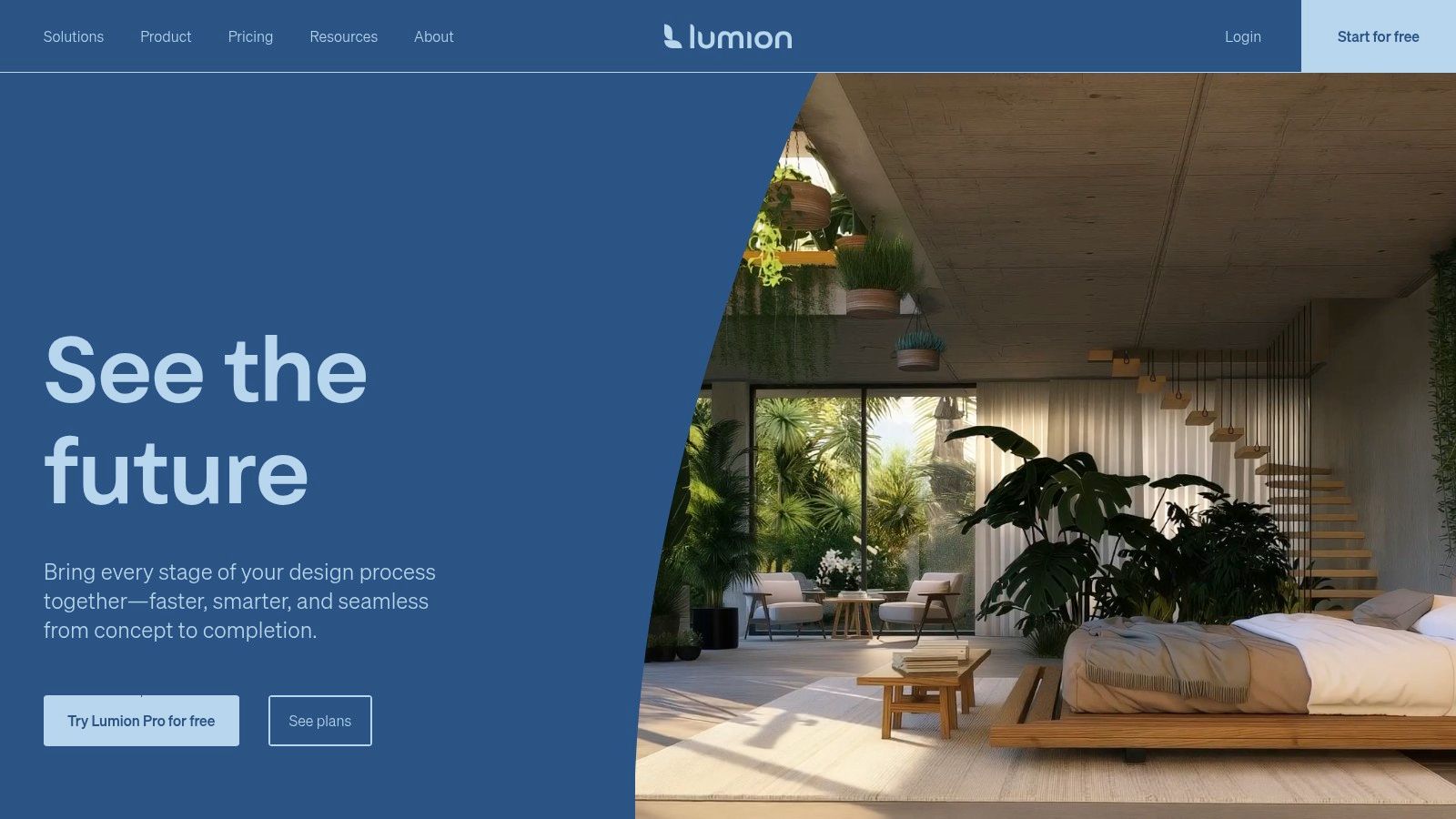
Lumion stands out in the architectural rendering field by prioritizing speed and ease of use, enabling architects to create beautiful images, videos, and 360-degree panoramas with minimal setup. It operates as a standalone, real-time rendering application, focusing on a fluid workflow that transforms 3D models from tools like Revit, SketchUp, and ArchiCAD into living, atmospheric environments. This approach allows designers to build context around their designs quickly, making it a favorite for client presentations and design storytelling.
Its core strength is an extensive, high-quality asset and material library that lets users populate scenes with lifelike vegetation, people, furniture, and lighting in minutes. Lumion is one of the best architectural rendering software choices for firms that need to produce compelling visualizations and fly-through animations without the steep learning curve or long render times associated with more traditional ray-traced engines.
Core Features & Analysis
- Real-Time Scene Building: The intuitive, game-like interface allows users to build and modify scenes interactively. You can paint landscapes, adjust weather conditions, and place objects, seeing the results instantly.
- Large Content Library: Lumion includes a vast, integrated library of objects and materials. The Pro version offers an expanded selection, including fine-detail nature models, animated people, and advanced materials.
- Presentation Effects: A powerful stack of pre-configured effects for color correction, atmospheric settings (like rain and fog), and artistic styles can be applied to create a polished, final look with just a few clicks.
Ideal User and Use Case
Lumion is perfect for architecture firms and designers who need to produce high-quality visualizations quickly for internal reviews, client meetings, and marketing. It excels at creating exterior shots with rich landscapes, animated walkthroughs that showcase a building’s context and flow, and immersive 360 panoramas. Its speed makes it invaluable for iterating on design ideas and communicating them effectively without a dedicated visualization specialist.
Pricing and Access
Lumion is available through subscription plans, with options for 1-year or 3-year terms. The software is offered in two tiers: Standard and Pro. Floating network licenses are available, making it easy for studios to share access among team members. A free trial is also offered for evaluation.
- Lumion Standard: Starts at approximately €1499 per year.
- Lumion Pro: Starts at approximately €2999 per year.
| Feature | Lumion Standard | Lumion Pro |
|---|---|---|
| User Type | Individual Architects & Small Firms | Professional Studios & Large Teams |
| Content Library | Limited access to the asset library | Full access to all assets (including fine-detail nature) and materials |
| Advanced Features | Core rendering and animation tools | Advanced effects, high-quality people models, and phasing animations |
| Licensing | Node-locked or Floating | Node-locked or Floating |
Strengths & Weaknesses
Pros:
- Extremely Fast: Drastically reduces the time from model import to final rendered video.
- Intuitive Workflow: Easy to learn, especially for those without a deep background in 3D rendering.
- Massive Asset Library: The built-in library speeds up scene-building immensely.
Cons:
- Hardware Intensive: Requires a powerful, modern GPU to handle large or complex scenes smoothly.
- Windows Only: Lumion does not have a native version for macOS.
For more information or to start a trial, visit the official website: https://lumion.com.
5. Enscape (by Chaos)
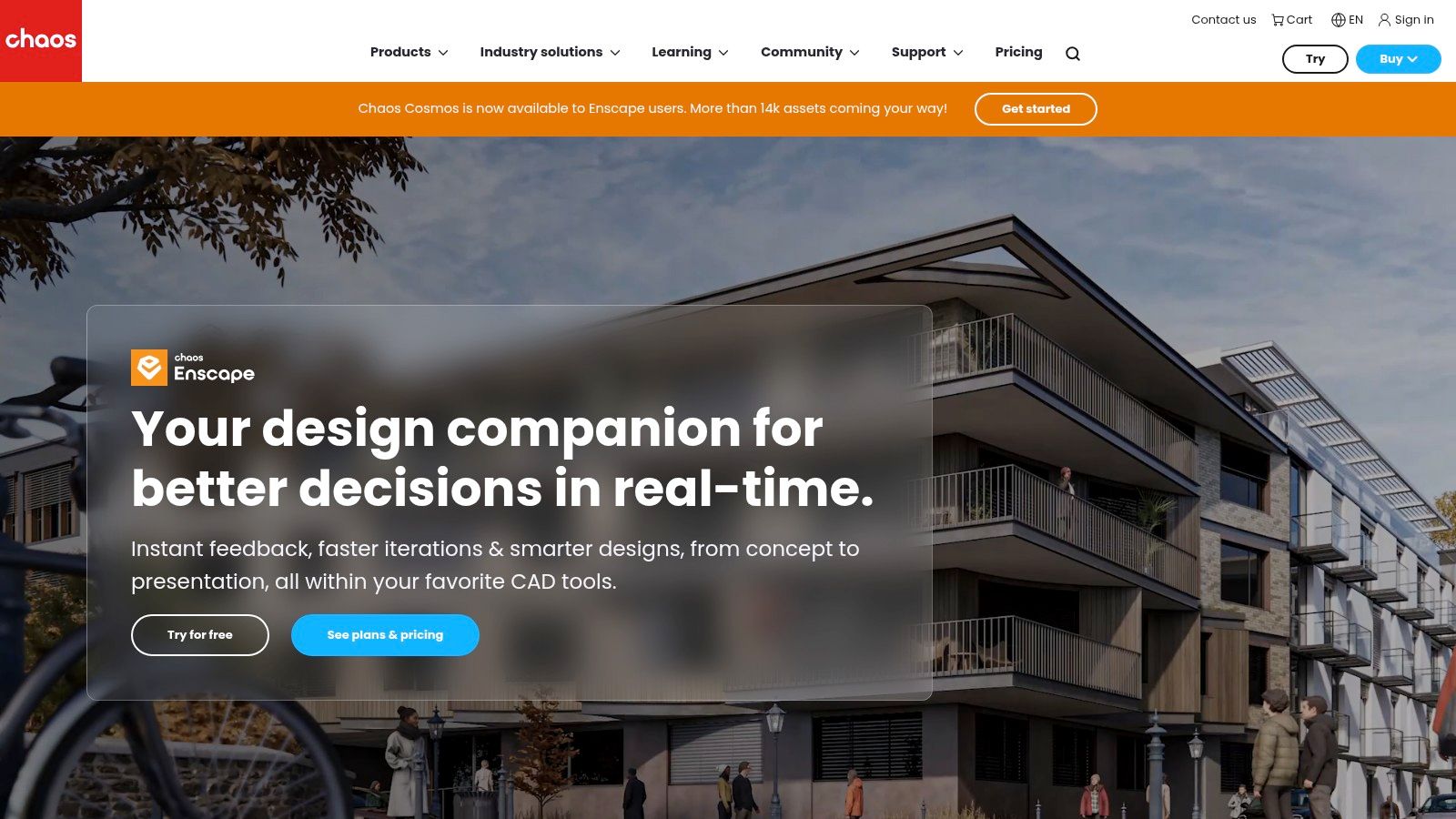
Enscape bridges the gap between 3D modeling and instant visualization, functioning as a real-time rendering plugin directly within CAD and BIM software. Designed for Revit, SketchUp, Rhino, Archicad, and Vectorworks, it allows architects to walk through their fully rendered projects as they design, eliminating the traditional "design then render" workflow. This live-link capability makes it an indispensable tool for rapid design iteration and immersive client presentations.
Its primary strength lies in its simplicity and speed, transforming complex models into navigable 3D experiences with a single click. As part of the Chaos ecosystem, it also benefits from access to the high-quality Chaos Cosmos asset library, making it one of the best architectural rendering software choices for firms prioritizing design exploration and client communication over intricate, cinematic-level post-production.
Core Features & Analysis
- Real-Time Walkthrough & VR: Enscape’s core function is its live-linked window that updates in real time as you modify your model. It also features one-click VR support for platforms like Oculus Rift and HTC Vive for true project immersion.
- Direct BIM/CAD Integration: It operates as a seamless toolbar inside your host application. There is no need to export or import files, meaning geometry, materials, and metadata from your BIM model are instantly visible in the render.
- Chaos Cosmos Integration: Users can access a vast library of render-ready assets like vegetation, people, and furniture, and place them directly into their models for immediate, high-quality visualization.
Ideal User and Use Case
Enscape is perfect for architecture and interior design firms that need a fast, intuitive visualization tool for day-to-day design reviews, internal decision-making, and live client presentations. It excels in the early to mid-stages of the design process where quick iterations and clear communication are more critical than photorealistic marketing images. Its ease of use makes it accessible to the entire design team, not just visualization specialists.
Pricing and Access
Enscape is available through a subscription model, offering both fixed-seat and floating licenses to accommodate individuals and teams. The Premium tier adds AI-enhanced features for more refined results.
- Fixed-Seat License: Starts at approximately $514.80 per year.
- Floating License: Starts at approximately $898.80 per year.
| Feature | Fixed-Seat License | Floating License |
|---|---|---|
| User Type | Individual Designer/Architect | Teams & Studios needing shared access |
| Licensing | Locked to a single machine | Can be shared across multiple machines (one at a time) |
| Included Products | Enscape, Chaos Cosmos | Enscape, Chaos Cosmos |
| Ideal For | Consistent use by one person | Flexible access for an entire office |
Strengths & Weaknesses
Pros:
- Extreme Ease of Use: Minimal setup is required, and stunning results can be achieved with little to no rendering knowledge.
- Real-Time Feedback: The live link allows designers to see the impact of their changes instantly, speeding up the creative process.
- Excellent for Client Communication: VR and walkthrough capabilities make it easy for stakeholders to understand a space.
Cons:
- Limited Artistic Control: Lacks the deep, granular controls for lighting and materials found in offline renderers like V-Ray.
- GPU Dependent: Performance relies heavily on a powerful graphics card, and very large or complex scenes can be demanding.
For more information or to start a trial, visit the official website: https://www.chaos.com/enscape.
6. Twinmotion (Epic Games)
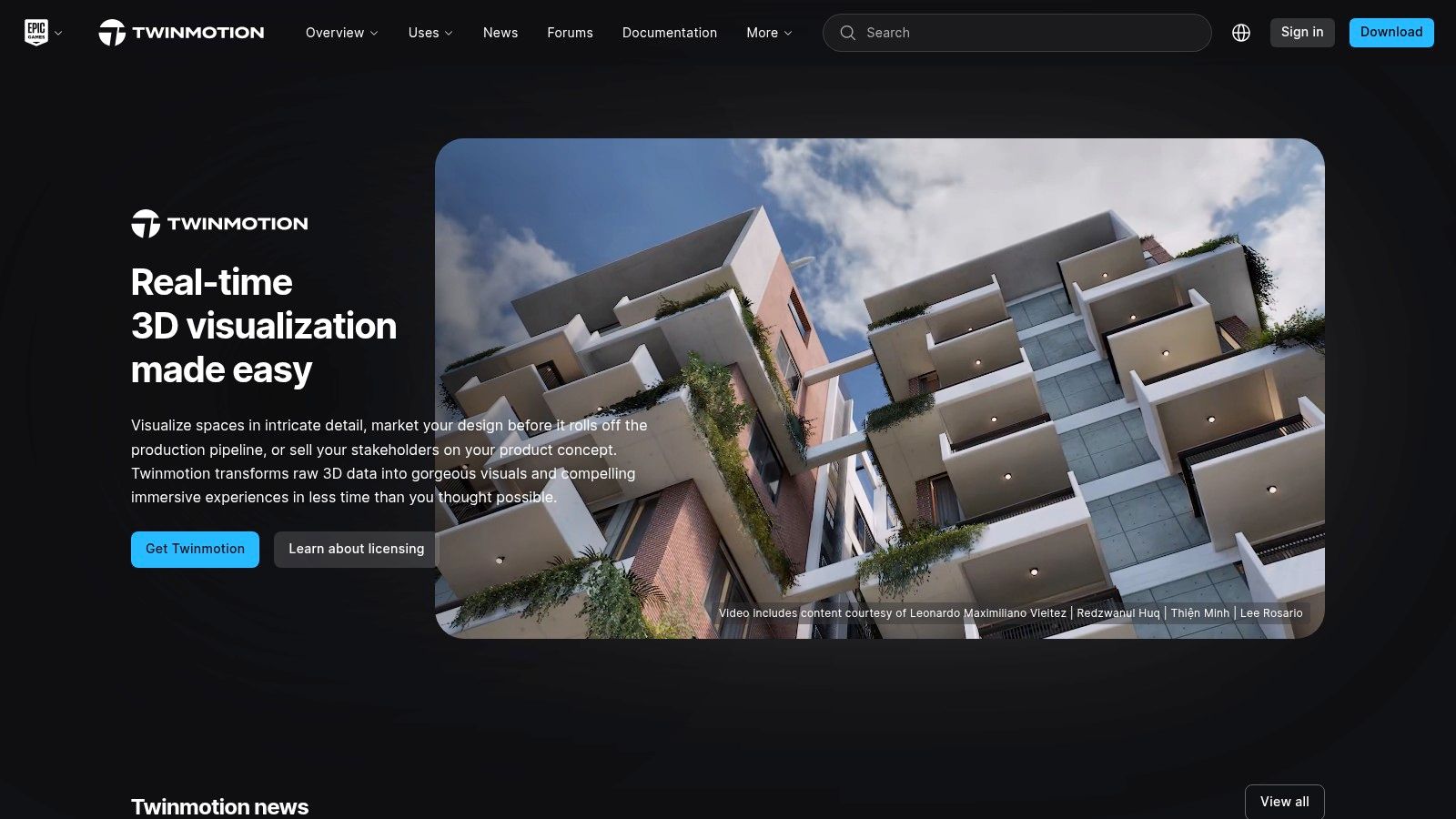
Twinmotion, developed by Epic Games, is a real-time visualization tool designed to bring architectural models to life with incredible speed and ease. Built on the powerful Unreal Engine, it offers an intuitive, drag-and-drop interface that allows architects and designers to quickly create high-quality images, animations, and immersive VR experiences without a steep learning curve. Its primary strength lies in its ability to produce dynamic, living environments in seconds.
The software is engineered for rapid iteration, making it one of the best architectural rendering software choices for conceptual design and client presentations where speed is crucial. Direct, one-click synchronization with major BIM and CAD programs like Revit, Archicad, and SketchUp Pro means that design changes are reflected in Twinmotion instantly, streamlining the entire visualization workflow from modeling to final presentation.
Core Features & Analysis
- Real-Time Rendering: What you see is what you get. The viewport provides an immediate, high-fidelity preview of the final output, allowing users to adjust lighting, materials, and atmospheric effects on the fly.
- Vast Asset Library: Twinmotion comes with an extensive library of dynamic assets, including animated people, animals, ambient sounds, and high-resolution vegetation that can be "painted" onto landscapes.
- Twinmotion Cloud: This feature allows users to upload and share presentations via a simple web link. Stakeholders can explore the design in their browser on any device, making it an excellent tool for remote collaboration and client feedback.
Ideal User and Use Case
Twinmotion is ideal for architecture firms, urban planners, and landscape designers who need to produce compelling visualizations quickly and efficiently. It excels in creating animated fly-throughs, dynamic environmental studies (showing seasonal or weather changes), and interactive client walkthroughs. Its ease of use also makes it a great entry point for those new to rendering or for studios looking to add real-time capabilities to their existing workflows, similar to how AI tools simplify the process for virtual staging.
Pricing and Access
Epic Games offers a notably accessible pricing model. A fully functional free version is available for non-commercial use and for companies with less than $1 million in annual gross revenue. A paid commercial license is required for larger organizations.
- Free Edition: Full features for students, educators, and small businesses.
- Commercial Edition: Priced at approximately $499 for a perpetual license (pricing may vary).
| Feature | Free Edition | Commercial Edition |
|---|---|---|
| User Type | Students, Hobbyists, Small Businesses (<$1M revenue) | Professional Firms & Large Studios |
| Feature Access | All features included | All features included |
| Updates | Free updates to new versions | Free updates to new versions |
| Licensing | Perpetual | Perpetual |
Strengths & Weaknesses
Pros:
- Extremely Fast and Intuitive: The user-friendly interface allows for stunning results with minimal training.
- Excellent Real-Time Feedback: Make design decisions instantly with a high-quality live preview.
- Generous Free Version: The free offering provides immense value for smaller studios and individual learners.
Cons:
- Less Granular Control: Lacks the deep, complex rendering controls found in V-Ray or Corona for hyper-realistic still images.
- Requires Powerful GPU: A high-end graphics card is necessary to get smooth performance, especially in large, complex scenes.
For more information or to download, visit the official website: https://www.unrealengine.com/twinmotion.
7. D5 Render
D5 Render is a real-time ray-tracing renderer that has quickly gained popularity for its speed, ease of use, and high-quality results. Built on Unreal Engine and utilizing DXR technology, it excels at producing stunning visualizations for architecture and interior design with remarkable efficiency. It functions as a standalone application but offers live-sync plugins for major modeling software like SketchUp, Revit, 3ds Max, and Rhino, creating a fluid and interactive design workflow.
Its main draw is the combination of a user-friendly interface with powerful features, making it one of the best architectural rendering software options for small studios and solo professionals. D5 provides a massive built-in asset library and AI-powered tools that streamline the process from model import to final render, rivaling more established competitors but with a much gentler learning curve. The increasing use of AI in this field is notable; you can learn more about how AI is transforming architectural rendering.
Core Features & Analysis
- Real-Time Ray Tracing: D5 leverages modern GPU capabilities to provide instant visual feedback. Users can navigate and edit scenes with realistic lighting, shadows, and reflections enabled, dramatically speeding up creative decisions.
- Vast Asset Library: The Pro version includes over 13,000 high-quality models, materials, and particles. The PCG (Procedural Content Generation) scatter tool allows for the rapid and realistic placement of vegetation and other environmental assets.
- Live-Sync Integration: The D5 Converter plugins maintain a live link with your primary modeling software. This means changes made in Revit or SketchUp are updated instantly within the D5 environment, eliminating the need for constant re-importing.
Ideal User and Use Case
D5 Render is perfectly suited for small to mid-sized architecture firms, interior designers, and visualization artists who need to produce high-quality stills, animations, and VR walkthroughs quickly and without a steep learning curve. It is an excellent choice for client presentations, design reviews, and marketing materials where speed and visual impact are key priorities. Its intuitive nature makes it accessible for designers who are not rendering specialists.
Pricing and Access
D5 Render offers a compelling freemium model. The free version is highly capable for personal and educational use, while the Pro subscription unlocks the full asset library and advanced features for commercial projects.
- D5 Community: Free (includes 2k render resolution and a limited asset library).
- D5 Pro: Starts at approximately $360 per year.
| Feature | D5 Community | D5 Pro |
|---|---|---|
| User Type | Students, Hobbyists, Educational Use | Commercial Professionals & Studios |
| Asset Library | Limited access to basic models/materials | Full access to 13,000+ assets and PCG tools |
| Render Resolution | Up to 2K for images, 1080p for videos | Up to 16K for images/panoramas, 4K for videos |
| Advanced Features | Basic animation and effect tools | Full animation control, project merging, VR support |
Strengths & Weaknesses
Pros:
- Excellent Value: The Pro version offers a massive feature set and asset library for a very competitive price.
- Intuitive and Fast: A user-friendly interface allows new users to become productive in a short amount of time.
- High-Quality Real-Time Output: Delivers impressive visual quality instantly, streamlining the design process.
Cons:
- Windows Only: It is not available for macOS, limiting its user base.
- Requires Modern Hardware: To perform optimally, a ray-tracing-capable NVIDIA RTX or AMD RX 6000 series GPU is strongly recommended.
For more information or to download the free version, visit the official website: https://www.d5render.com.
8. Autodesk 3ds Max
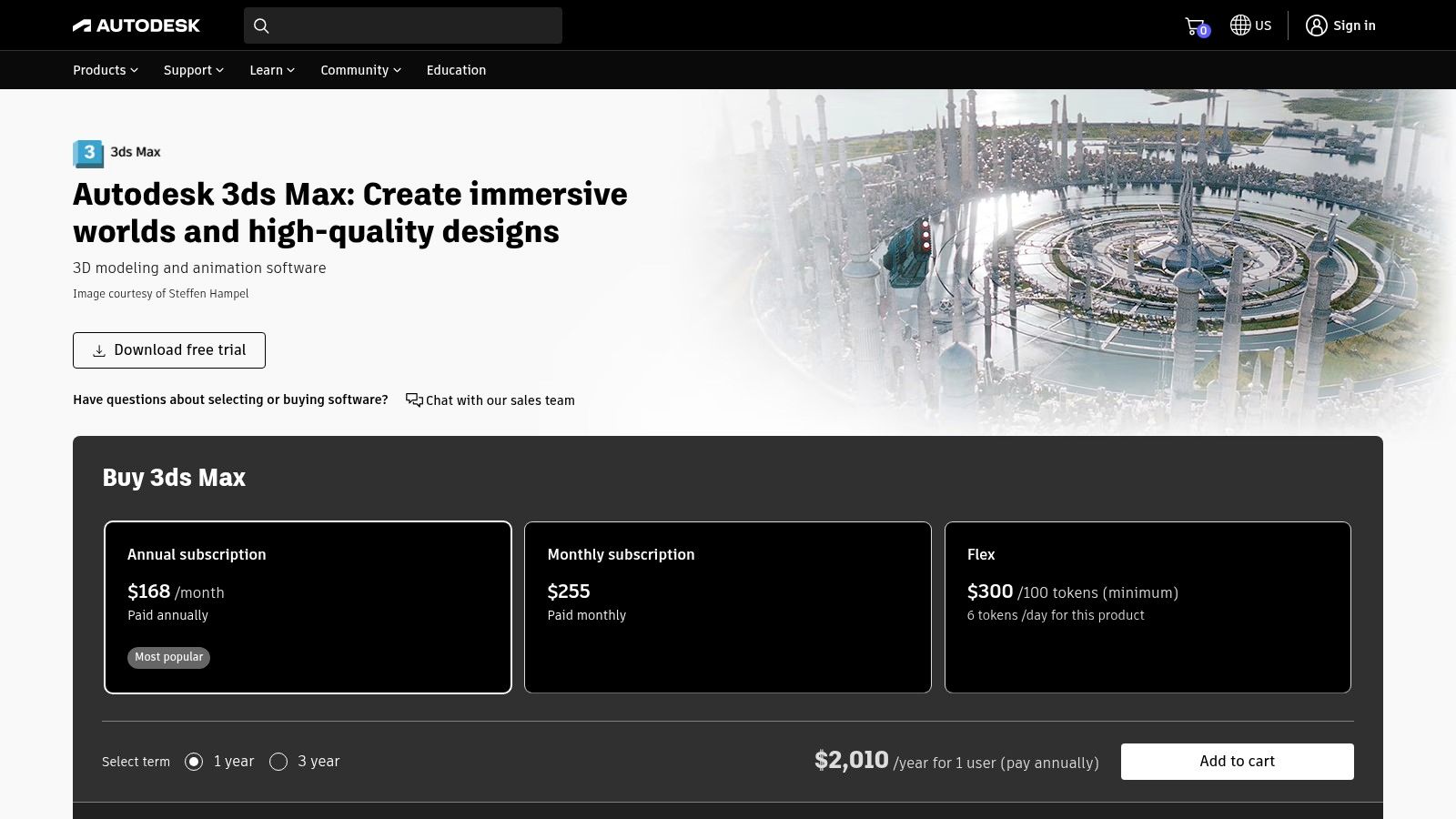
Autodesk 3ds Max is a comprehensive 3D modeling, animation, and rendering application that has long served as a central hub for the architectural visualization industry. Rather than being just a renderer, it is a full-fledged digital content creation tool where entire scenes are built, textured, and lit. It integrates seamlessly with powerful rendering engines like the native Autodesk Arnold, as well as industry-standard third-party plugins like V-Ray and Corona Renderer.
Its strength lies in its robust modeling toolset and its ability to manage extremely complex projects, making it one of the best architectural rendering software platforms for large-scale architectural productions. For many established studios, 3ds Max is the backbone of their entire visualization pipeline, prized for its stability, extensive plugin ecosystem, and deep interoperability with other Autodesk products like Revit and AutoCAD.
Core Features & Analysis
- Advanced Modeling Tools: Offers a vast array of polygonal and spline-based modeling tools that provide granular control for creating detailed architectural elements, custom furniture, and complex environmental assets.
- Broad Renderer & Plugin Ecosystem: Users are not locked into one rendering solution. The platform's flexibility allows studios to choose the best engine for their needs, from V-Ray and Corona to FStormRender, and extend functionality with popular plugins like Forest Pack for scattering vegetation.
- Data Interoperability: Features tight integration with other Autodesk software. This allows for smooth workflows where models from Revit or AutoCAD can be linked and updated within 3ds Max, preserving material assignments and object data.
Ideal User and Use Case
3ds Max is tailored for professional visualization studios and large architecture firms that require a powerful, customizable pipeline for high-end projects. It is the go-to tool for creating photorealistic marketing imagery for large commercial developments, detailed interior visualizations that require custom-modeled assets, and complex architectural animations. Its robust scene management capabilities are essential for team-based projects involving massive datasets.
Pricing and Access
Autodesk 3ds Max is available through a subscription model, which includes access to the Arnold renderer. Autodesk offers various subscription lengths and provides a Flex option for occasional use, where users pay with tokens. Educational licenses are also available for students and educators.
- Annual Subscription: Approximately $1,875 per year.
- Monthly Subscription: Approximately $235 per month.
| Feature | Standard Subscription | Flex (Pay-as-you-go) |
|---|---|---|
| User Type | Full-time professionals & studios | Freelancers or occasional users |
| Access | Unlimited access for the subscription term | Token-based access for a set number of days |
| Included Products | 3ds Max, Arnold Renderer, and Autodesk support | 3ds Max and Arnold Renderer |
| Cost Structure | Fixed annual, multi-year, or monthly fee | Variable cost based on usage |
Strengths & Weaknesses
Pros:
- Mature & Stable: Decades of development have resulted in well-documented, reliable workflows.
- Unmatched Flexibility: The vast ecosystem of third-party renderers and plugins allows for endless customization.
- Powerful Interoperability: Excellent integration with Revit and AutoCAD simplifies BIM-to-viz pipelines.
Cons:
- High Subscription Cost: The price can be a significant barrier for solo practitioners and small studios.
- Steep Learning Curve: Its extensive feature set can be overwhelming for beginners, especially those not focused on 3D modeling.
For more information or to start a trial, visit the official website: https://www.autodesk.com/products/3ds-max.
9. Autodesk Arnold
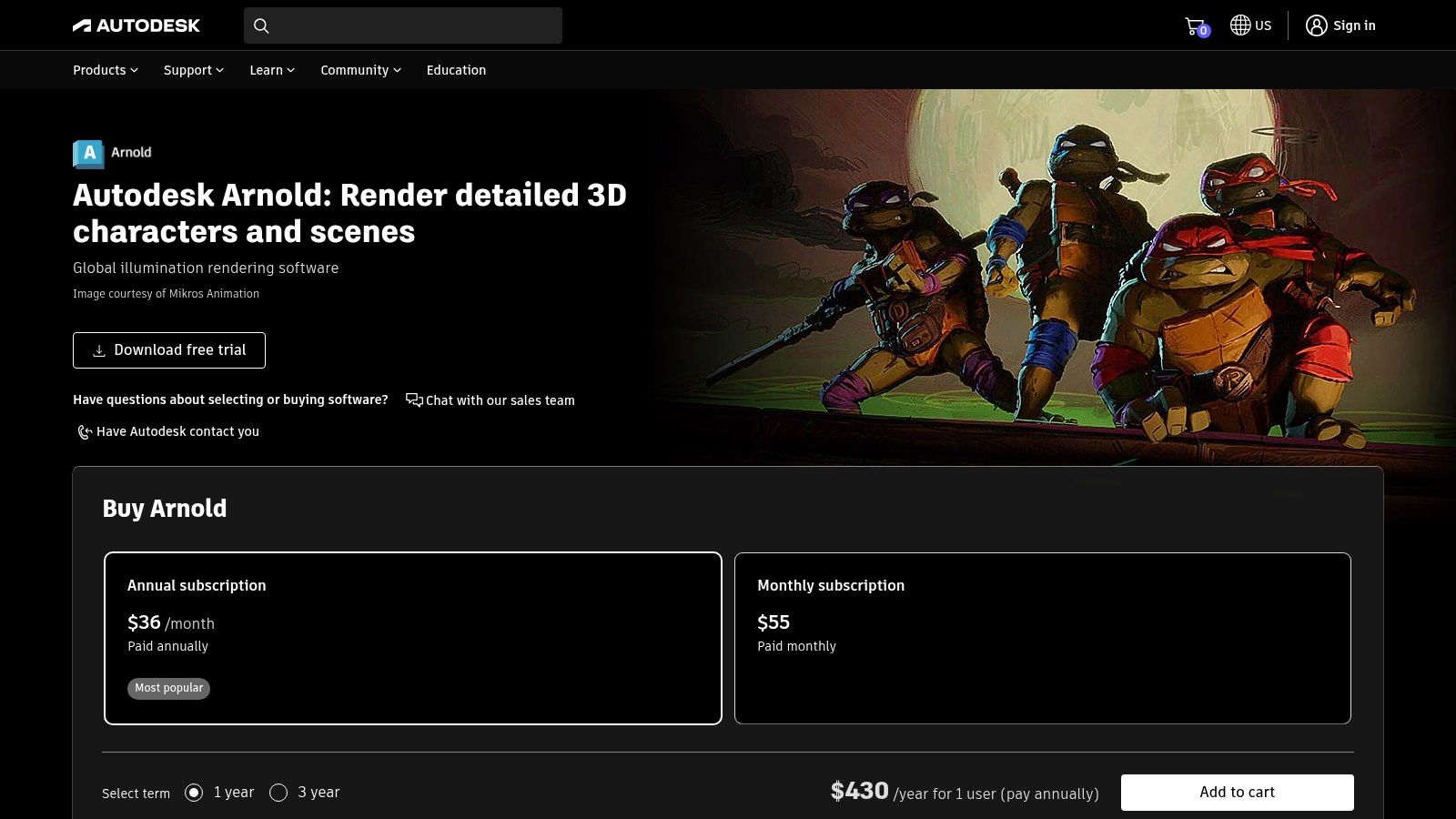
Autodesk Arnold is an advanced Monte Carlo ray tracing renderer built for the demands of feature-length animation and visual effects, but its power translates exceptionally well to high-end architectural visualization. Like V-Ray, Arnold functions as a plugin for major digital content creation (DCC) tools, including Autodesk's own 3ds Max and Maya, as well as Cinema 4D and Houdini. It is engineered for artists and designers who need to tackle scenes of immense complexity and geometric detail without sacrificing quality.
Its reputation is founded on producing predictable, physically accurate, and visually stunning results. Arnold is a top-tier choice when the goal is to create cinematic-quality stills and animations that can stand up to the highest scrutiny, making it one of the best architectural rendering software options for firms that overlap with media and entertainment or require uncompromising realism for competitions and marketing.
Core Features & Analysis
- CPU and GPU Rendering: Arnold offers the flexibility to render on either CPU or GPU. This allows users to leverage powerful graphics cards for interactive look development and then switch to robust CPU rendering for final frames, or use GPU for final rendering depending on the hardware and scene.
- Deep DCC Integration: As an Autodesk product, its integration with 3ds Max and Maya is seamless. This allows for an intuitive workflow where architects can use familiar tools and settings to control complex lighting and materials directly within their primary modeling software.
- Production-Proven Power: Designed to handle massive datasets, Arnold excels at rendering scenes with heavy geometry like dense foliage, complex furniture, and detailed building components without buckling under the pressure. Its AI-powered denoiser helps clean up final images faster.
Ideal User and Use Case
Arnold is best suited for visualization professionals, architectural studios, and technical artists who are already comfortable within a DCC environment like 3ds Max or Maya. It is the ideal tool for producing hero shots for large-scale commercial projects, detailed interior visualizations where material accuracy is paramount, and architectural fly-throughs that require a cinematic feel. Its strength lies in handling complex, asset-heavy scenes that might challenge other renderers.
Pricing and Access
Autodesk provides Arnold through named-user subscriptions. A single subscription allows an individual to use Arnold on up to 3 computers. For studios, multi-user subscriptions are available. Autodesk also offers a free 30-day trial for evaluation purposes.
- Monthly Subscription: Approximately $50 per month.
- Annual Subscription: Approximately $400 per year.
- 3-Year Subscription: Approximately $1,200 for three years.
| Feature | Single-User Subscription | Multi-User Subscription |
|---|---|---|
| User Type | Individual Professional | Studios & Teams |
| Access | Named user access for one individual | Access for a specified number of users |
| Host Apps | 3ds Max, Maya, Houdini, Cinema 4D, Katana | 3ds Max, Maya, Houdini, Cinema 4D, Katana |
| Licensing | Install on up to 3 machines | Network licenses for shared team access |
Strengths & Weaknesses
Pros:
- Exceptional Realism: Delivers predictable and physically accurate results ideal for photorealistic outputs.
- Handles Complexity: Excels at rendering extremely complex scenes with heavy geometry and textures.
- Seamless Integration: Works perfectly within the Autodesk ecosystem (3ds Max, Maya).
Cons:
- Slower Render Times: Can be slower than real-time engines, especially for complex lighting.
- Learning Curve: Best suited for users with some experience in professional 3D and rendering workflows.
For more information or to start a trial, visit the official website: https://www.autodesk.com/products/arnold.
10. Unreal Engine
Originally a game engine, Unreal Engine has evolved into a real-time rendering juggernaut for architectural visualization, offering unparalleled interactivity and visual fidelity. It allows architects and designers to create fully immersive, photorealistic virtual walkthroughs, VR experiences, and cinematic animations. Rather than producing static images, Unreal Engine builds dynamic, interactive environments that clients can explore in real-time, making it one of the best architectural rendering software choices for cutting-edge presentations.
The engine's power lies in its ability to handle massive, complex scenes with dynamic lighting and advanced material effects, all rendered instantaneously. This real-time capability allows for on-the-fly design changes during client meetings and provides a true sense of scale and atmosphere that pre-rendered images cannot match.
Core Features & Analysis
- Real-Time Ray Tracing: Unreal Engine leverages modern GPU hardware to deliver physically accurate lighting, reflections, and shadows in real-time, producing visuals that rival offline renderers without the long wait times.
- Blueprint Visual Scripting: Users can add complex interactivity, like opening doors, changing materials, or switching lighting schemes, without writing a single line of code. This empowers designers to create engaging client experiences.
- Massive Asset Ecosystem: The Unreal Marketplace offers a vast library of high-quality, pre-made assets, materials, and plugins (many free), which significantly accelerates the scene-building process.
Ideal User and Use Case
Unreal Engine is ideal for architecture firms and visualization studios aiming to produce high-end, interactive marketing experiences for large-scale real estate projects. It excels in creating virtual reality tours, configurable apartment showcases, and cinematic fly-throughs. It's best suited for teams with dedicated visualization specialists who are willing to invest time in a more technical workflow to achieve a superior, interactive final product.
Pricing and Access
Epic Games offers a notably accessible pricing model. Unreal Engine is free to use for learning, non-commercial projects, and for companies with gross revenue under $1 million USD. For commercial applications beyond that threshold, a royalty model applies.
- Standard License: Free to use. A 5% royalty on gross revenue is due after the first $1 million earned from a product.
- Enterprise Program: Custom pricing for large organizations requiring dedicated support and custom licensing terms.
| Feature | Standard (Free) | Enterprise Program |
|---|---|---|
| User Type | Students, Hobbyists, Small-to-Mid Size Firms | Large Studios & Enterprise Teams |
| Cost | Free (5% royalty after $1M gross revenue) | Custom Pricing |
| Included Products | Full Engine Access, Marketplace | Full Engine Access, Private Training, Premium Support |
| Licensing | Per-product EULA | Custom Terms |
Strengths & Weaknesses
Pros:
- Unmatched Visual Quality: Delivers top-tier real-time graphics for truly immersive experiences.
- Highly Interactive: Allows for the creation of fully explorable and customizable virtual environments.
- Generous Free Tier: Exceptionally accessible for learning and small-scale commercial work.
Cons:
- Steep Learning Curve: More complex than traditional, AEC-focused rendering tools.
- Requires Technical Setup: Building a smooth pipeline from CAD/BIM software often requires technical expertise and optimization.
For more information or to download the engine, visit the official website: https://www.unrealengine.com.
11. OTOY OctaneRender
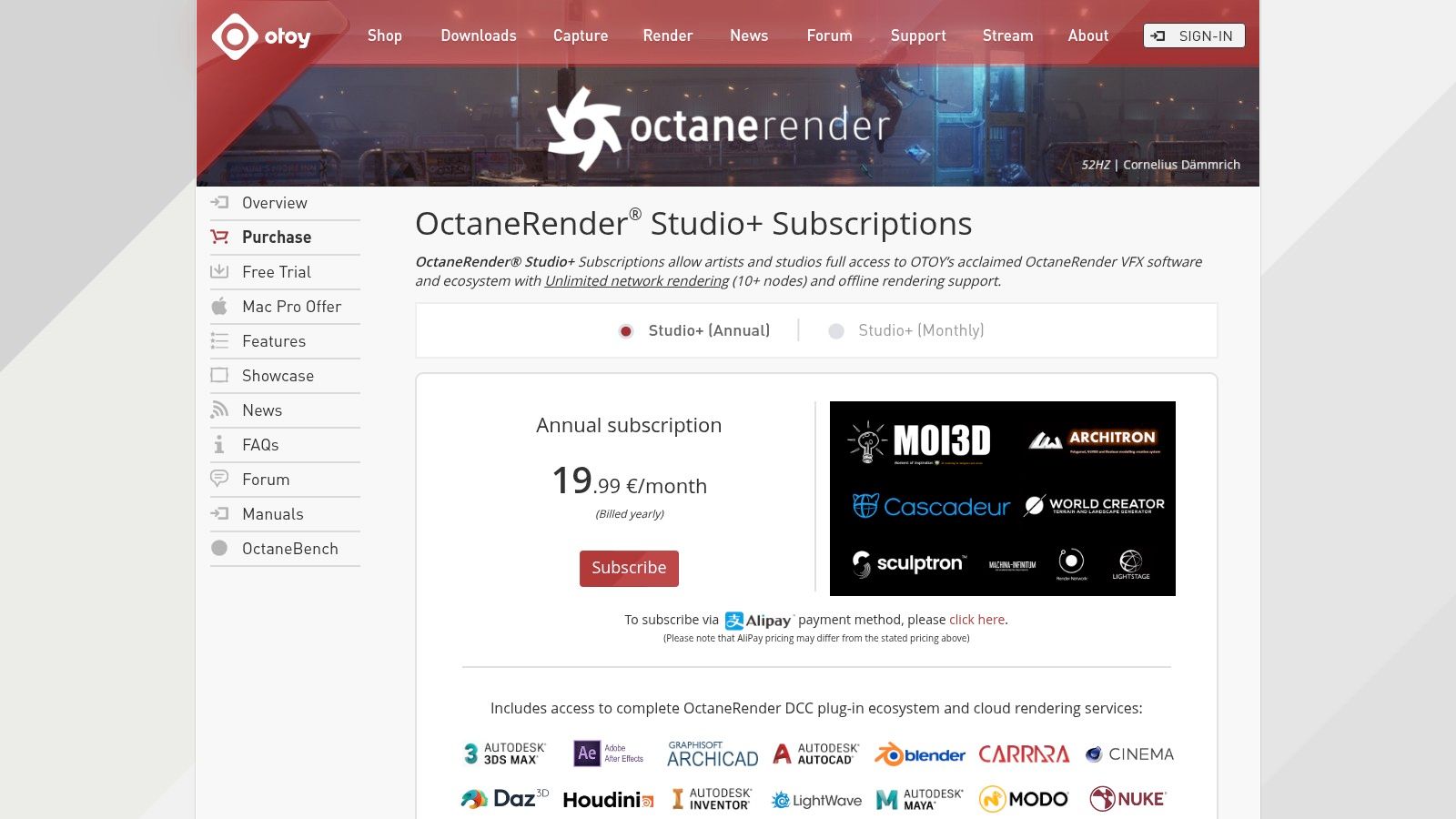
OTOY OctaneRender is a powerful, unbiased, and spectrally correct GPU renderer renowned for its speed and physically accurate lighting. It delivers stunning realism by simulating light physics with unparalleled precision. Available as both a standalone application and a plugin for major DCC and CAD software like Cinema 4D, 3ds Max, Blender, and SketchUp, it provides a flexible workflow for architects who prioritize speed and visual fidelity.
Its primary strength lies in its GPU-centric architecture, which allows for incredibly fast, interactive rendering previews. This makes OctaneRender one of the best architectural rendering software choices for iterating quickly on lighting and material design. The Studio+ subscription model bundles the core renderer with access to OTOY’s Render Network for cloud-based rendering, expanding its power beyond a single workstation.
Core Features & Analysis
- GPU-Accelerated Unbiased Rendering: Octane's engine leverages the power of modern GPUs (primarily NVIDIA) to calculate light transport accurately, resulting in photorealistic images with minimal setup.
- Live Viewer (IPR): The Interactive Preview Region provides real-time feedback as you adjust lights, materials, and camera settings, drastically accelerating the creative process.
- Broad Plugin Support: A single subscription gives you access to over 20 integrations, allowing you to use Octane within your preferred 3D modeling software without disrupting your workflow.
Ideal User and Use Case
OctaneRender is ideal for freelance artists, small visualization studios, and architects who need rapid visual feedback and exceptional realism without the long render times of traditional CPU engines. It excels in creating highly realistic interior and exterior stills, product visualizations, and atmospheric scenes where the quality of light and shadow is critical. Its speed makes it perfect for projects with tight deadlines requiring multiple design iterations.
Pricing and Access
OTOY offers a subscription-based model. The primary tier for professionals is Studio+, which provides comprehensive access to the OctaneRender ecosystem. Pricing is often displayed in regional currencies like Euros, so conversion may be necessary. A free tier with limited GPU access is also available for learning and personal projects.
- Studio+ Subscription: Starts at approximately €23.95 per month (billed annually).
- Free Tier: Available with access limited to a single GPU.
| Feature | Free Tier | Studio+ Subscription |
|---|---|---|
| User Type | Students, Hobbyists | Freelancers, Professionals, Studios |
| Host App Access | Limited to specific free versions | Access to all 20+ DCC integrations |
| Included Products | OctaneRender Prime, Blender, & Unreal | All plugins, Network Rendering, Cloud Render Credits |
| GPU Limit | 1 GPU | Unlimited GPUs |
Strengths & Weaknesses
Pros:
- Incredible Speed: GPU acceleration provides near real-time feedback and fast final renders.
- Superb Lighting Quality: As an unbiased engine, it produces physically correct and beautiful lighting effects.
- Excellent Value: The subscription includes access to numerous plugins and cloud rendering resources.
Cons:
- Hardware Dependent: It performs best with high-end NVIDIA GPUs and requires significant VRAM for large, complex scenes.
- Learning Curve: The node-based material system can be intimidating for newcomers.
For more information or to start a trial, visit the official website: https://home.otoy.com/render/octane-render/purchase/.
12. NVIDIA Omniverse
NVIDIA Omniverse is less of a single rendering application and more of a powerful, collaborative platform built on Pixar's Universal Scene Description (USD). It acts as a central hub, connecting popular AEC tools like Revit, Rhino, and SketchUp into a shared, live virtual environment. This allows entire teams to work on the same complex scene simultaneously from different applications, seeing updates in real-time with stunning, physically accurate path-traced rendering.
This live-sync capability makes it one of the best architectural rendering software platforms for large-scale, multi-disciplinary projects where coordination is key. Instead of exporting and re-importing files between departments, Omniverse provides a "single source of truth" for visualization, significantly streamlining complex review cycles and collaborative design processes.
Core Features & Analysis
- Live-Sync Connectors: Omniverse uses plugins called Connectors to link directly to design applications. Changes made in a Revit model, for instance, are instantly updated in the Omniverse scene without manual data conversion.
- Real-Time Path Tracing: Leveraging NVIDIA RTX GPUs, the platform delivers high-fidelity, photorealistic rendering interactively, allowing for immediate feedback on lighting, materials, and design changes.
- Collaborative Workflow: Multiple users can connect to the same scene, acting as a shared digital twin. This is invaluable for design reviews, clash detection, and client walkthroughs.
Ideal User and Use Case
Omniverse is best suited for large architecture, engineering, and construction (AEC) firms that manage complex projects with multiple teams using different software. It excels in digital twin creation, detailed project coordination, and high-fidelity, real-time walkthroughs. Individual creators can also use it to aggregate assets from various programs into a single, high-quality rendering environment.
Pricing and Access
NVIDIA offers a generous free license for individual creators and a robust enterprise solution for businesses requiring advanced collaboration features and support.
- Standard License: Free for individual artists and creators.
- Omniverse Enterprise: Custom quote-based pricing for teams and organizations.
| Feature | Standard License | Omniverse Enterprise |
|---|---|---|
| User Type | Individual Creators & Students | Professional Studios & Large Teams |
| Collaboration | Connect and collaborate with one other user | Team-wide collaboration with access control |
| Support | Community forum support | Enterprise-level support and maintenance |
| Deployment | Local workstation | Workstation or data center deployment options |
Strengths & Weaknesses
Pros:
- Revolutionary Collaboration: Unmatched real-time, multi-app workflows for teams.
- Exceptional Real-Time Realism: High-quality path-traced rendering for instant visual feedback.
- Free for Individuals: The standard license is completely free, making it highly accessible.
Cons:
- Requires NVIDIA RTX Hardware: It is optimized for and requires a specific class of GPU to function effectively.
- Complex for Simple Projects: The setup and workflow can be overkill for small-scale, single-user rendering tasks.
For more information or to start a trial, visit the official website: https://www.nvidia.com/omniverse.
Top 12 Architectural Rendering Software Comparison
| Tool | Core features | Quality & Speed | Pricing & Value | Target audience | Unique selling points |
|---|---|---|---|---|---|
| 🏆 MoldaSpace | AI-powered photoreal renders from sketches, photos, floorplans & 3D exports; natural‑language material/lighting | ★★★★☆ · ~30s per render | 💰 $19/40 credits; pay‑as‑you‑go; 2 free gens; credits never expire | 👥 Solo designers & small studios | ✨ Instant production visuals, one‑click style swaps, no render farms |
| Chaos V-Ray | CPU/GPU hybrid renderer; broad host‑app & cloud ecosystem | ★★★★★ · production‑grade (HW dependent) | 💰 Seat/floating licenses; premium cost | 👥 Professional firms & visualization studios | ✨ Physically accurate results, mature asset/tutorial ecosystem |
| Chaos Corona | Interactive rendering, LightMix, built‑in post & scatter | ★★★★☆ · fast interior realism | 💰 Paid Chaos license / subscription | 👥 Interior artists & medium studios | ✨ Artist‑friendly, quick mood exploration |
| Lumion | Real‑time renderer with large asset library & presentation tools | ★★★★☆ · very fast for images/videos | 💰 1–3yr subscription tiers (Pro available) | 👥 Architects & design storytellers | ✨ Big ready‑to‑use library, weather/phasing, quick walkthroughs |
| Enscape (by Chaos) | One‑click live link from BIM/CAD, VR support, live previews | ★★★★☆ · instant live iteration | 💰 Named/floating licenses; Premium features | 👥 BIM users for live design reviews | ✨ Live CAD link + VR for rapid client review |
| Twinmotion (Epic) | Unreal‑based real‑time visuals, cloud panoramas, BIM links | ★★★★☆ · fast real‑time visuals | 💰 Subscription; free tiers for students/small firms | 👥 Architects & stakeholders for presentations | ✨ Easy publishing, Twinmotion Cloud sharing |
| D5 Render | Real‑time ray tracing, AI tools, large asset library (Pro) | ★★★★☆ · strong realism & speed | 💰 Competitive Pro pricing | 👥 Small studios seeking value | ✨ AI‑assists, large PCG/asset set, high‑res output |
| Autodesk 3ds Max | Robust modeling/scene tools; broad renderer/plugin support | ★★★★☆ · depends on chosen renderer | 💰 Autodesk subscription; higher cost for solos | 👥 Established studios & modelers | ✨ Mature pipelines, extensive plugin ecosystem |
| Autodesk Arnold | Physically‑based CPU/GPU renderer with AI denoiser | ★★★★★ · production‑grade, longer renders | 💰 Named‑user subscription; trial available | 👥 Production/VFX studios needing max realism | ✨ Predictable physical accuracy for complex shots |
| Unreal Engine | Full‑fidelity real‑time engine, robust materials & interactivity | ★★★★★ · top‑tier visuals; steeper setup | 💰 Free tiers; optional Epic Pro Support | 👥 Interactive/experiential teams & studios | ✨ High‑fidelity interactivity, cinematic capabilities |
| OTOY OctaneRender | GPU‑accelerated unbiased renderer; cloud & plugin support | ★★★★★ · excellent GPU speed & lighting realism | 💰 Studio+ subscription; regional pricing | 👥 GPU‑focused archviz artists & studios | ✨ Unbiased lighting realism + Render Network/cloud |
| NVIDIA Omniverse | OpenUSD collaboration, live linking, real‑time path tracing | ★★★★☆ · powerful for multi‑app pipelines | 💰 Free individual use; Enterprise paid | 👥 Large teams & multi‑tool pipelines | ✨ Live multi‑app collaboration, USD workflows |
Choosing the Right Tool for Your Architectural Workflow
Navigating the expansive landscape of architectural rendering software can feel like designing a complex structure itself. With a dozen powerful contenders, each with distinct strengths, the key isn't finding a single "best" tool, but identifying the right tool for your specific workflow, project scale, and client expectations. This guide has dissected the industry's top players, from heavyweight champions like V-Ray to real-time innovators like Enscape and the revolutionary AI speed of MoldaSpace.
The journey from a simple 3D model to a photorealistic image that sells a vision is paved with crucial decisions. Your choice of software is arguably the most impactful one you'll make in the visualization process. As we've seen, there is no one-size-fits-all solution; the ideal software is a direct reflection of your priorities.
Synthesizing Your Decision: Key Takeaways
To distill this comprehensive review into actionable insights, let's revisit the core decision-making factors. Your ideal software will sit at the intersection of quality, speed, cost, and usability.
- For Uncompromising Photorealism and Control: If your work demands the absolute pinnacle of physical accuracy for high-stakes marketing campaigns or final project imagery, traditional render engines like Chaos V-Ray and Autodesk Arnold remain unparalleled. These tools, often paired with modeling suites like 3ds Max, provide granular control over every light bounce and material texture, but they demand significant technical expertise and render time.
- For Real-Time Immersion and Rapid Iteration: When the goal is to bring clients into the design process with live walkthroughs and quick feedback loops, real-time engines are your best allies. Lumion, Enscape, and Twinmotion excel here. They transform the rendering process from a static, final step into a dynamic, integrated part of the design phase, perfect for internal reviews and client presentations.
- For bleeding-Edge Speed and AI-Powered Efficiency: The most significant shift in the industry is the arrival of AI. For solo designers, small studios, real estate agents, and anyone who needs to produce stunning visuals without a dedicated visualization team or days to wait, MoldaSpace changes the game. It leverages artificial intelligence to slash production times from hours to mere seconds, democratizing access to high-end results.
Actionable Next Steps: How to Make Your Final Choice
Selecting the best architectural rendering software for your business requires a strategic self-assessment. Before committing to a subscription or purchase, walk through this final checklist:
- Define Your Primary Output: Are you creating still images for brochures, animated fly-throughs for marketing videos, or interactive VR experiences? Your primary deliverable will immediately narrow the field.
- Evaluate Your Hardware: Photorealistic and real-time rendering are computationally intensive. Check the system requirements of your top contenders against your current workstation. An investment in software may also require an investment in a powerful GPU.
- Assess Your Team's Skillset: Be honest about your technical proficiency. Tools like V-Ray and Unreal Engine have a steep learning curve, while solutions like Enscape and MoldaSpace are designed for ease of use, requiring minimal onboarding.
- Consider Your Existing Software Ecosystem: The best tool is one that integrates seamlessly into your current workflow. Check for compatibility and direct links with your primary modeling software, whether it's SketchUp, Revit, Rhino, or ArchiCAD.
- Run a Pilot Project: Most of these platforms offer free trials. There is no substitute for hands-on experience. Take a recent project and test your top two or three choices. See which one feels most intuitive and delivers results that align with your brand's quality standards.
Ultimately, the best architectural rendering software is the one that empowers you to communicate your vision clearly, efficiently, and beautifully. It should be a catalyst for creativity, not a technical bottleneck. Whether you need the meticulous control of a traditional renderer, the interactive speed of a real-time engine, or the groundbreaking efficiency of an AI platform, the perfect solution is within your reach.
Ready to see how AI can transform your design and marketing workflow? Experience the future of architectural visualization with MoldaSpace and generate stunning, photorealistic renders in seconds, not hours. Explore our powerful features and start your first project for free at MoldaSpace.
Article created using Outrank