The 12 Best 3D Rendering Software for Interior Design in 2026
The ability to transform a floor plan into a stunning, photorealistic vision is no longer a luxury for professionals, it's the expected standard. For interior designers, architects, and real estate marketers, the right rendering software is a critical tool for winning clients, exploring creative ideas, and communicating design intent with absolute clarity. The right choice can dramatically accelerate your workflow, while the wrong one can lead to frustrating bottlenecks and subpar results.
But the market is crowded with a dizzying array of options. Navigating the differences between industry-standard powerhouses like V-Ray, accessible real-time engines like Enscape and Lumion, and disruptive new AI tools like MoldaSpace can be overwhelming. Each platform offers a unique balance of speed, quality, cost, and complexity, making the search for the best 3d rendering software for interior design a significant challenge for any firm.
This guide is designed to cut through the noise and provide a clear, practical roadmap. We will explore the 12 leading rendering solutions, breaking down each tool's ideal use case, learning curve, pricing structure, and key strengths. We'll examine specific workflow scenarios, helping you decide when to choose a rapid AI render for initial concepts versus when to invest time in a high-fidelity production render.
Whether you're a solo practitioner needing quick, impressive client visuals or a large studio aiming for cinematic marketing materials, this comprehensive resource will help you find the perfect fit for your specific needs, budget, and technical skills. Each entry includes direct links and key details to simplify your evaluation process.
1. MoldaSpace
MoldaSpace has fundamentally changed the rendering landscape, particularly for solo interior designers and small studios seeking to compete with larger firms. It stands out as some of the best 3D rendering software for interior design by replacing the steep learning curves and hours-long render times of traditional programs with an AI-powered engine that produces photorealistic visuals in about 30 seconds. This platform is not a modeling tool but a powerful visualization accelerator.
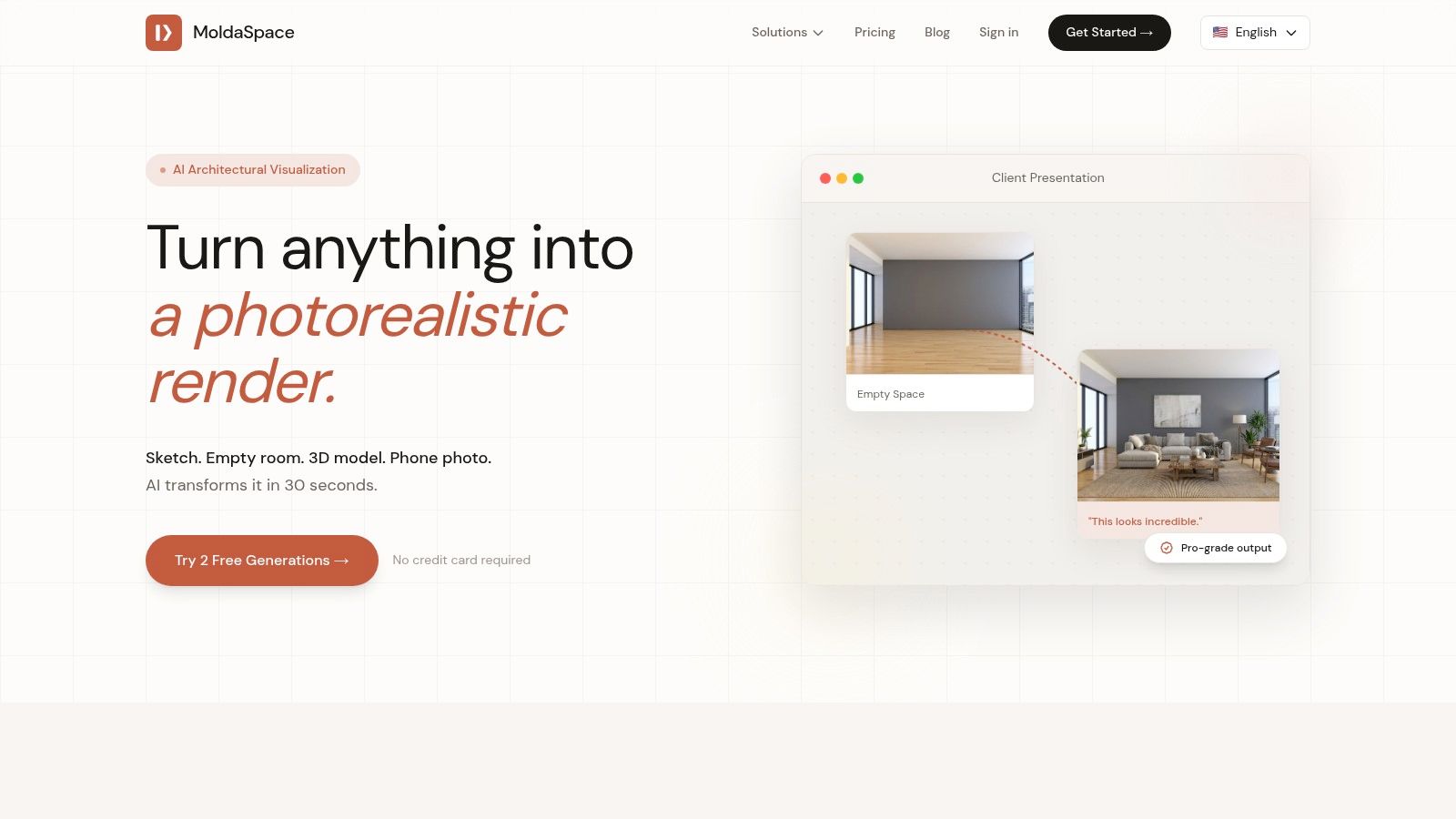
Its core strength lies in its incredible versatility and speed. Designers can upload nearly any input, from a basic SketchUp model or Revit export to a simple floor plan or even a phone photo of an empty room. From there, you use natural-language prompts like "change the floor to light oak" or "add warm afternoon lighting" to direct the AI. This intuitive process eliminates the need for complex material editors and lighting rigs.
Core Strengths & Use Cases
- Rapid Client Visualization: Generate multiple high-quality design variations (Japandi, Industrial, Mid-Century Modern) during a client meeting, enabling instant feedback and faster decisions.
- Design Exploration: Quickly test dozens of material palettes, furniture arrangements, and lighting schemes without committing hours to a single render.
- Virtual Staging & Marketing: Produce compelling, photorealistic images for property listings and marketing materials from empty room photos or 2D floor plans.
Pricing and Getting Started
MoldaSpace operates on a simple, pay-as-you-go credit system, bypassing monthly subscriptions. New users receive two free generations to test the platform. After that, credit packs are available, with the most popular option being $19 for 40 generations ($0.47 per image). Credits never expire, offering exceptional flexibility. While it may require a few iterations to perfect an image, its speed and affordability make it an indispensable tool for client-facing visuals. For a deeper dive into its capabilities, you can find a workflow tailored for interior designers on their site.
Website: MoldaSpace.com
2. Chaos — V-Ray
V-Ray by Chaos is the undisputed industry standard for photorealistic rendering, earning its place as one of the best 3D rendering software for interior design through sheer power and control. It's not a standalone modeler but a rendering engine that integrates seamlessly with major design platforms like SketchUp, 3ds Max, Revit, and Rhino. This allows designers to build their models in a familiar environment and then leverage V-Ray’s advanced tools to achieve unparalleled realism.
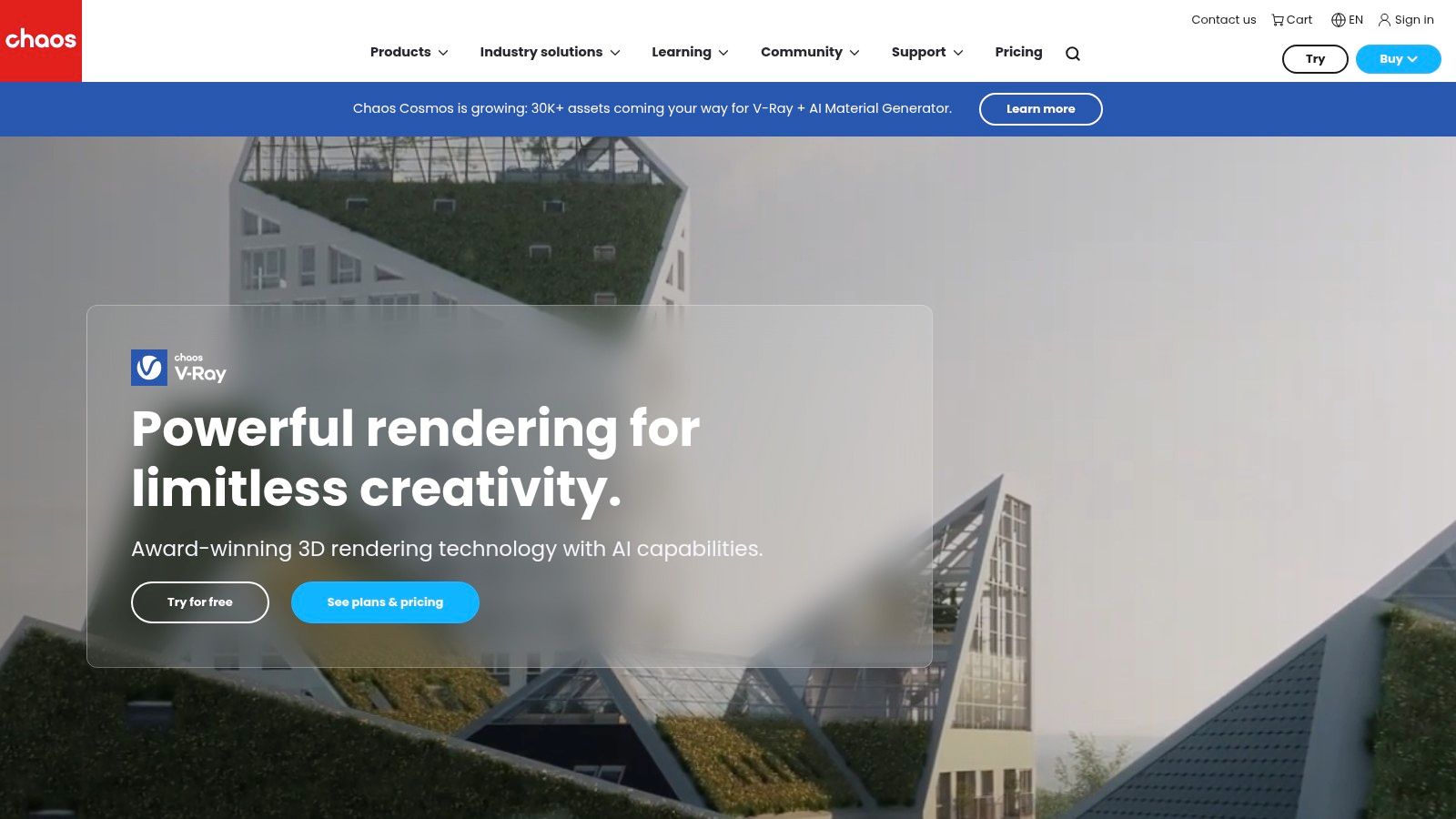
Its strength lies in its physically-based ray tracing, which simulates light and materials with scientific accuracy, producing images that are often indistinguishable from photographs. The deep control over materials, lighting, and camera settings is what sets V-Ray apart, making it the go-to for high-end architectural visualization and final marketing imagery where every detail counts. While mastering it requires a significant time investment, the results are well worth the effort for professionals aiming for the highest quality.
Key Details & Use Case
- Ideal For: High-fidelity, production-quality marketing stills and animations for luxury residential, commercial, and hospitality projects.
- Strengths: Industry-leading realism, extensive material libraries, and powerful lighting systems. Its large user base means abundant tutorials and third-party assets are available.
- Limitations: The learning curve is steep compared to real-time renderers, and it demands powerful hardware to reduce render times. Achieving perfection can be a slow, iterative process.
- Pricing: V-Ray offers subscription plans, with options like V-Ray Solo starting around $466.80 per year and V-Ray Premium at $694.80 per year, which includes the full Chaos ecosystem (Vantage, Cosmos, Cloud).
For those just starting, it's beneficial to understand the core principles of creating such visuals; you can explore this foundational knowledge in guides on photorealistic rendering software.
Website: https://www.chaos.com/vray
3. Chaos — Enscape
Enscape stands out in the world of 3D rendering software for interior design by focusing on speed, simplicity, and real-time visualization. Unlike traditional renderers, Enscape operates as a live-linked plugin directly within your primary modeling software, including Revit, SketchUp, Rhino, and Archicad. This means your rendered window updates instantly as you make changes to your model, creating a seamless and interactive design workflow perfect for rapid iteration and client communication.
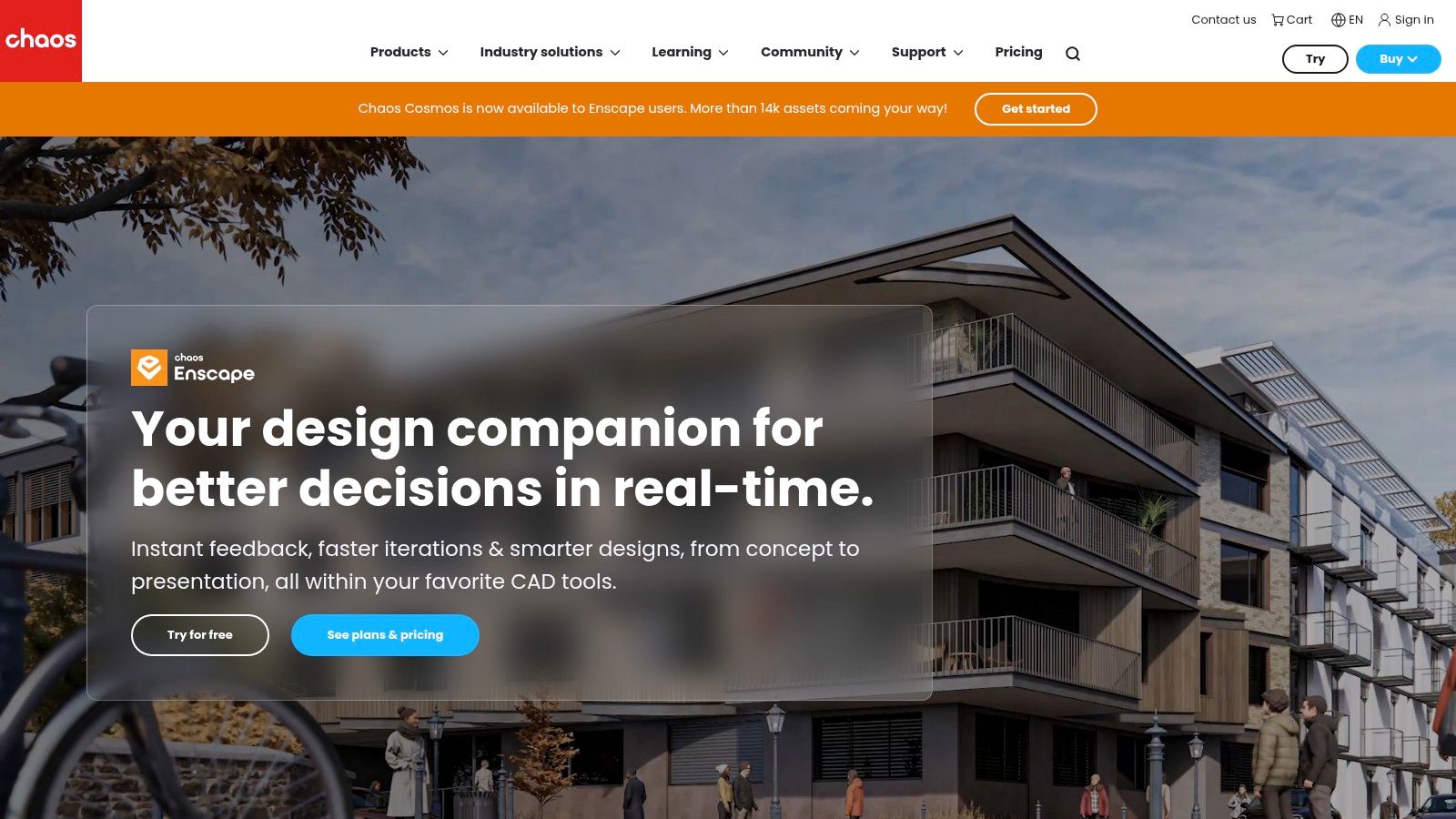
Its primary strength is bridging the gap between technical design and client presentation. An interior designer can walk a client through a fully rendered, navigable 3D space, making material and lighting changes on the fly in response to feedback. This ability to produce walkthroughs, panoramas, and even VR experiences with a single click makes it an invaluable tool for conveying design intent and securing approvals without the long render times associated with offline engines like V-Ray.
Key Details & Use Case
- Ideal For: Live client presentations, internal design reviews, and quick conceptual visualization directly within the BIM/CAD environment.
- Strengths: Incredibly easy to learn with an intuitive interface. The live-link workflow dramatically speeds up the design process, allowing for same-day feedback and revisions.
- Limitations: The visual quality, while excellent for real-time, does not match the photorealism of offline renderers. Complex, heavily detailed scenes can impact performance and require model optimization.
- Pricing: Enscape offers a subscription model, with a fixed-seat license starting at approximately $514.80 per year. A floating license option is also available for more flexibility within a team.
Website: https://www.chaos.com/enscape
4. Chaos — Corona
Corona, now part of the Chaos ecosystem, has earned its reputation as one of the best 3D rendering software for interior design due to its remarkable ease of use and ability to produce stunning realism with minimal setup. It is a powerful, physically-based rendering engine tightly integrated with 3ds Max and Cinema 4D. This focus on specific platforms allows for a highly optimized and intuitive workflow, making it a favorite among boutique visualization studios and freelance artists who prioritize speed and quality.
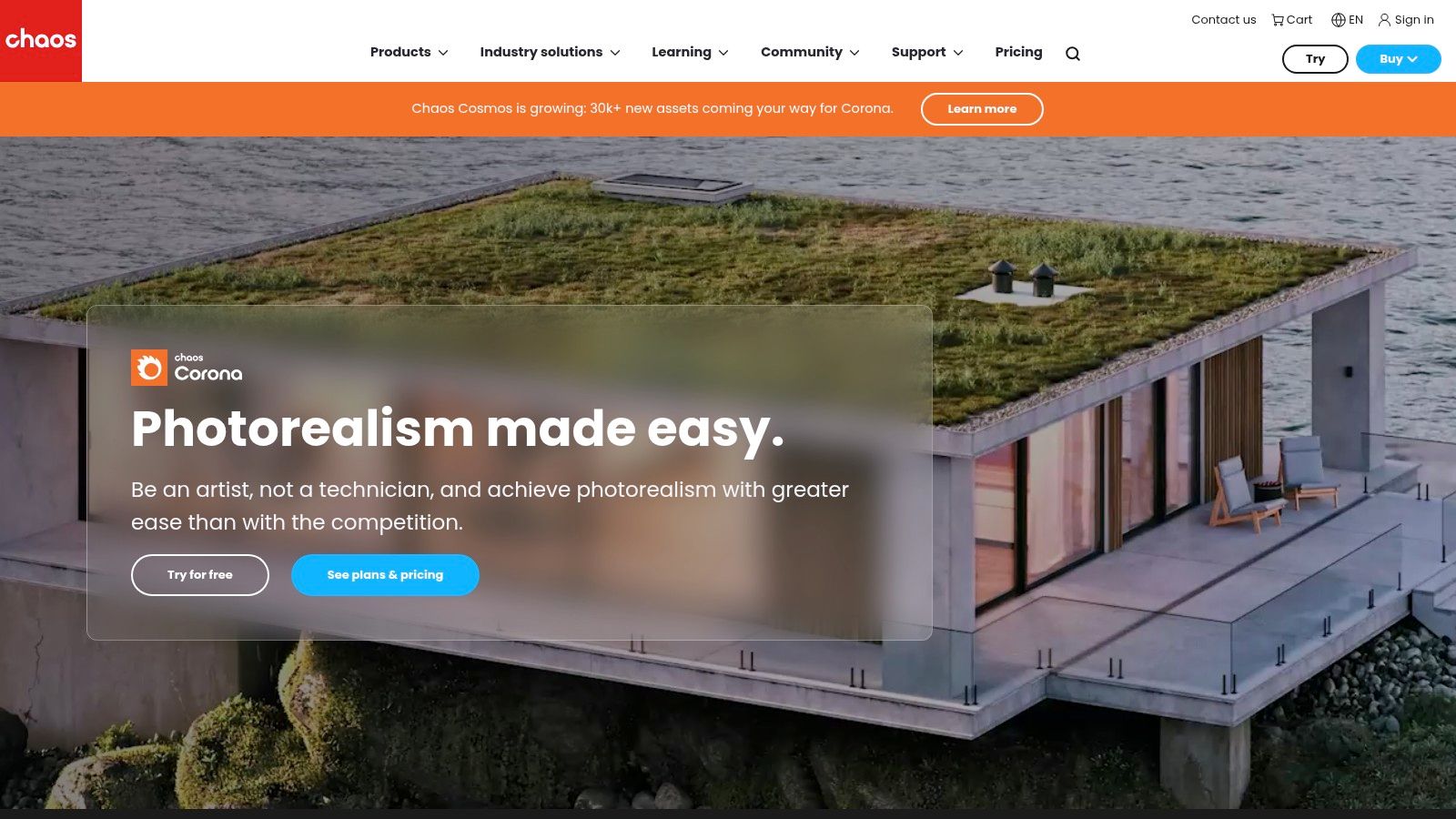
The key appeal of Corona is its artist-friendly approach; it’s designed to let designers focus on creativity rather than getting lost in complex technical settings. Features like the interactive LightMix allow for real-time adjustments to lighting color and intensity after the render is complete, drastically speeding up mood and look development. This combination of speed, simplicity, and high-quality output, especially for interior lighting scenarios, makes it an exceptional tool for producing beautiful and convincing interior visualizations without the steep learning curve of more complex engines.
Key Details & Use Case
- Ideal For: Boutique design studios and freelancers specializing in high-quality interior stills and animations, particularly for residential and commercial projects where realistic lighting is crucial.
- Strengths: A much gentler learning curve compared to V-Ray, exceptional handling of interior lighting, and powerful built-in tools like LightMix that accelerate creative iteration.
- Limitations: Its primary weakness is the limited host application support. It lacks native integration for popular design tools like SketchUp or Revit, which can be a deal-breaker for some architectural workflows.
- Pricing: Corona is available through subscription plans. Corona Solo is priced around $358.80 per year, while Corona Premium, which includes the Chaos ecosystem, is approximately $478.80 per year.
Website: https://www.chaos.com/corona
5. Lumion
Lumion excels in the AEC (Architecture, Engineering, and Construction) industry as a real-time rendering tool designed for speed and atmosphere. Unlike traditional renderers that require long processing times, Lumion allows designers to create stunning, cinematic visuals and fly-through animations in a fraction of the time. It integrates well with most CAD and 3D modeling software, including Revit, SketchUp, and ArchiCAD, making it a powerful tool for bringing complex models to life quickly and efficiently.
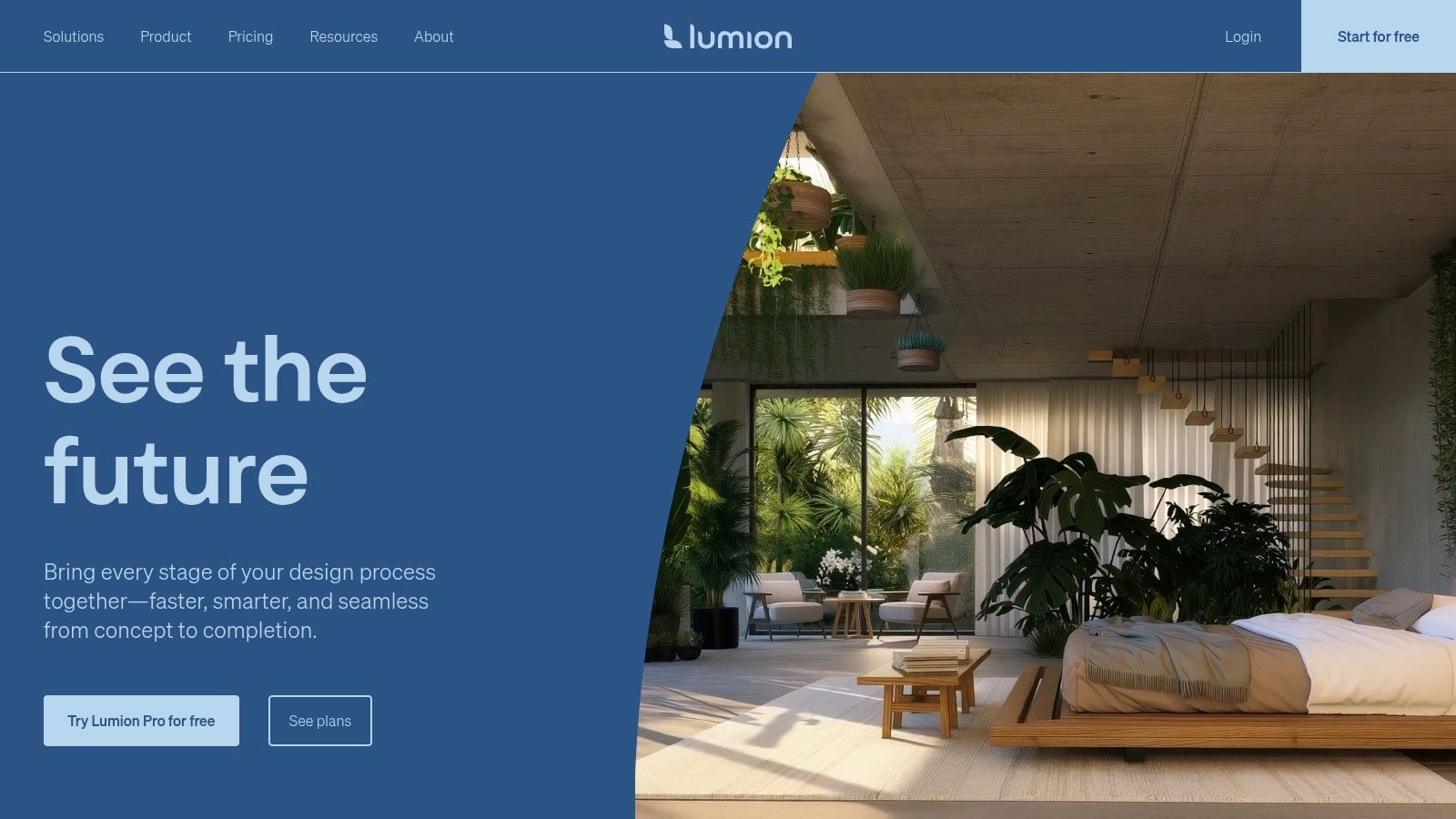
Its core advantage is its vast, built-in asset library, packed with high-quality models, materials, and atmospheric effects. This allows designers to rapidly dress a scene, add realistic entourage, and set a mood without sourcing third-party assets. Lumion is less about achieving pixel-perfect photorealism like V-Ray and more about conveying the feeling and experience of a space, making it one of the best 3D rendering software for interior design presentations where storytelling and client engagement are key.
Key Details & Use Case
- Ideal For: Fast-paced client presentations, conceptual design visualization, and creating compelling video walkthroughs and animations for residential and commercial projects.
- Strengths: Incredibly fast rendering speeds and an intuitive, easy-to-learn interface. The extensive content library and powerful animation tools allow for rapid scene creation and storytelling.
- Limitations: While quality is high, it may not reach the absolute photorealism of offline renderers. Major version updates can sometimes introduce compatibility or stability issues with older projects.
- Pricing: Lumion is sold as a perpetual license. Lumion Standard is priced around $1,585, while Lumion Pro, which includes the full content library and features, is approximately $3,175. A 14-day free trial is available.
Website: https://lumion.com
6. Twinmotion (Epic Games)
Twinmotion, developed by Epic Games, stands out as one of the best 3D rendering software for interior design due to its incredible ease of use and real-time visualization capabilities. Designed for architects and designers who need speed and interactivity, it transforms complex models into dynamic, walkable experiences with minimal setup. It offers seamless one-click synchronization with major modeling software like Revit, SketchUp Pro, Rhino, and ArchiCAD, allowing for rapid iteration and client feedback.
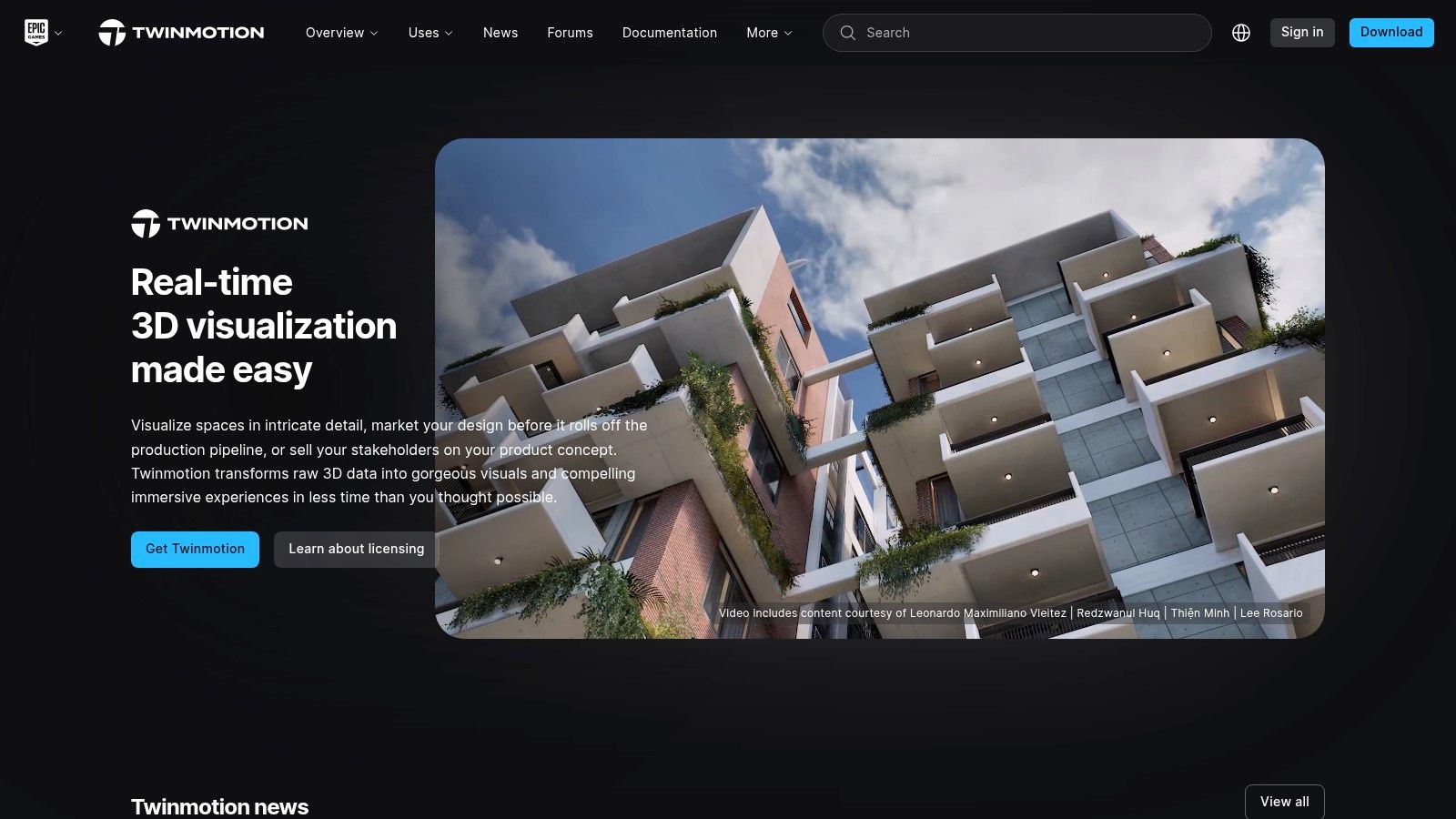
The platform's strength is its intuitive, icon-driven interface that lets designers drag and drop high-quality assets, change weather and lighting conditions instantly, and create animations or VR walkthroughs in minutes. While it may not offer the granular control of an offline renderer like V-Ray, its ability to produce high-quality visuals quickly makes it an invaluable tool for conceptual design, client presentations, and internal reviews. The Twinmotion Cloud feature further simplifies sharing, allowing clients to explore designs interactively from a web browser.
Key Details & Use Case
- Ideal For: Interactive client walkthroughs, rapid design visualization, VR presentations, and creating quick animations or panoramas for residential and commercial projects.
- Strengths: Extremely short learning curve and user-friendly interface. Real-time rendering allows for instant feedback on design changes. Rich asset library and easy integration with popular modeling tools.
- Limitations: Lacks the fine-tuning capabilities and ultimate photorealistic quality of dedicated offline renderers. Advanced material and lighting customization is more limited.
- Pricing: Twinmotion is free for non-commercial use and for users of Unreal Engine. A commercial license for a perpetual seat costs around $749, though pricing can vary.
Website: https://www.twinmotion.com
7. D5 Render
D5 Render has rapidly gained popularity as one of the best 3D rendering software for interior design, offering a powerful real-time ray tracing experience that rivals more established names. Built on the Unreal Engine, it leverages cutting-edge GPU acceleration to produce stunning, path-traced visuals almost instantly. Its intuitive user interface and streamlined workflow, especially with its live-sync plugins for SketchUp, Revit, 3ds Max, and Rhino, make it a favorite for designers who need high-quality results without a steep learning curve.
The platform stands out by bundling a high-quality, integrated asset library directly into the software, featuring models, materials, and particle effects tailored for architectural and interior scenes. This all-in-one approach allows designers to quickly populate and detail their spaces without leaving the application. D5 Render’s ability to output high-resolution stills (up to 16K), animations, and VR-ready panoramas makes it a versatile tool for client presentations, design reviews, and final marketing collateral.
Key Details & Use Case
- Ideal For: Interior designers and architects needing fast, high-quality visualizations, animations, and VR walkthroughs for client presentations and design development.
- Strengths: Exceptional real-time rendering speed and quality, a user-friendly interface, and a comprehensive built-in asset library that accelerates the design process.
- Limitations: The software is Windows-only, limiting cross-platform use. It also demands a powerful, modern RTX-series graphics card to handle complex interior scenes effectively.
- Pricing: D5 offers a capable free version with limited assets. The D5 Pro subscription, which unlocks the full asset library and advanced features, is competitively priced at $360 per year.
Website: https://www.d5render.com
8. Blender (Cycles / Eevee)
Blender is a powerhouse in the 3D world, offering a complete, open-source creation suite entirely for free. While often associated with animation and visual effects, its built-in rendering engines, Cycles and Eevee, make it a surprisingly potent and one of the best 3D rendering software for interior design, especially for those on a budget or seeking ultimate creative control. It’s a full digital content creation (DCC) tool, meaning you can model, texture, light, and render all within a single, powerful application.
The dual-engine approach is its greatest strength. Cycles is a physically-based path tracer that produces stunning, photorealistic stills with complex light interactions, rivaling paid competitors. Eevee, on the other hand, is a real-time rasterization engine, perfect for rapid look development, client previews, and animations where speed is critical. This flexibility allows designers to iterate quickly in Eevee before switching to Cycles for the final, high-quality output without ever leaving the program.
Key Details & Use Case
- Ideal For: Freelancers, small studios, and designers who need a powerful, end-to-end 3D solution without any software costs. Perfect for creating both quick concept visuals and final marketing renders.
- Strengths: Completely free with no licensing fees. The combination of Cycles (photorealism) and Eevee (real-time) in one package provides an incredibly versatile workflow. A massive community offers endless tutorials and free assets.
- Limitations: It's not a CAD-native program, so importing models from Revit or ArchiCAD can require extra steps and cleanup. The workflow is less integrated with architectural software compared to plugins like V-Ray or Enscape.
- Pricing: Blender is 100% free and open-source for personal and commercial use.
While Blender demands a traditional rendering workflow, designers can explore entirely new paradigms with emerging tools. Understanding how AI is reshaping this process is crucial, and you can learn more about the future of AI rendering for interior design.
Website: https://www.blender.org
9. Autodesk 3ds Max (with Arnold)
Autodesk 3ds Max is a powerhouse Digital Content Creation (DCC) application that has been a cornerstone of the architectural visualization industry for decades. Unlike specialized rendering plugins, 3ds Max is a comprehensive platform for modeling, animating, and rendering complex interior scenes from the ground up. Its inclusion of the powerful Arnold renderer provides a robust, physically-based solution right out of the box, making it one of the best 3D rendering software for interior design studios handling intricate projects.
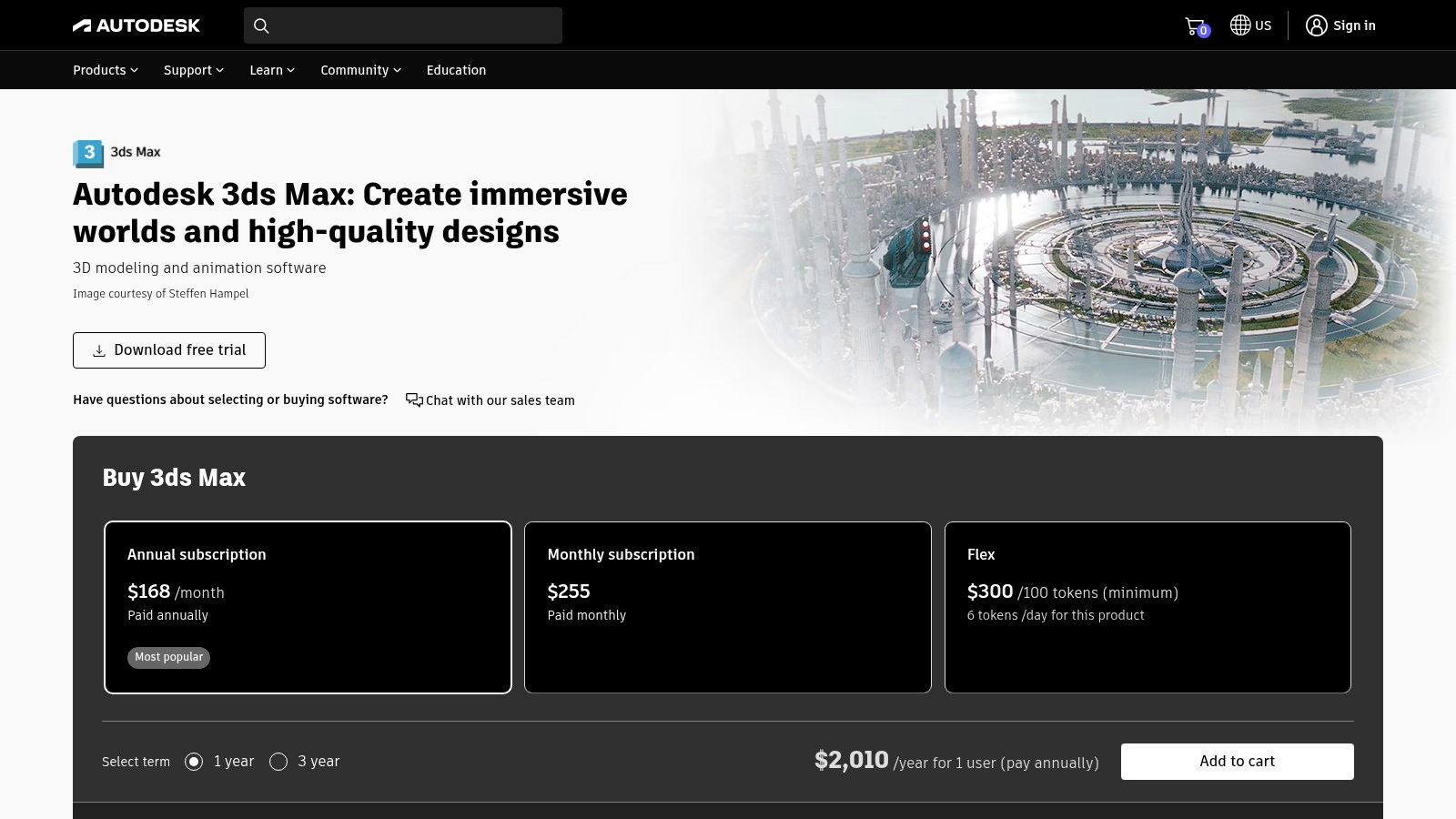
The primary advantage of 3ds Max is its versatility. Designers are not locked into a single rendering engine; the platform famously supports industry-leading plugins like V-Ray and Corona Renderer, allowing studios to adapt their workflow to project demands. This mature ecosystem means there is a vast library of pre-made models, textures, and scripts available, which can significantly accelerate the design process. While its complexity presents a steep learning curve, its depth is unmatched for creating detailed, high-end interior stills and cinematic animations.
Key Details & Use Case
- Ideal For: Large-scale architectural visualization studios that require a complete pipeline for modeling, scene assembly, and producing high-end marketing stills and complex animations.
- Strengths: An all-in-one modeling and rendering solution with an immense ecosystem of plugins and assets. Its compatibility with major renderers like V-Ray and Corona provides ultimate flexibility.
- Limitations: The learning curve is significant, especially for those new to 3D. The subscription cost is higher than many dedicated rendering tools, making it a substantial investment.
- Pricing: Autodesk operates on a subscription model, with 3ds Max costing approximately $235 per month or $1,875 per year. A free trial is available.
Website: https://www.autodesk.com/products/3ds-max
10. NVIDIA Omniverse (Enterprise)
NVIDIA Omniverse is less a traditional rendering software and more an advanced collaboration and simulation platform, positioning itself uniquely in the world of high-end visualization. Built on Pixar's Universal Scene Description (USD), it allows disparate teams using different software (like Revit, SketchUp, and 3ds Max) to connect their applications and collaborate on a single, shared 3D scene in real time. This "live-sync" capability is its defining feature, eliminating tedious import/export cycles.
Its rendering power comes from real-time RTX ray tracing, delivering stunning, physically accurate visuals instantly. For interior design, this means a large, multidisciplinary firm can have an architect in Revit, a designer in SketchUp, and a visualization artist in 3ds Max all working together simultaneously on the same project. It represents the future of collaborative design, but its complexity and hardware demands make it a specialized tool for enterprise-level operations rather than solo practitioners.
Key Details & Use Case
- Ideal For: Large architectural and design firms requiring seamless collaboration between multiple departments and software tools for complex commercial or mixed-use projects.
- Strengths: Unparalleled real-time collaboration across different applications, physically accurate RTX ray tracing, and a scalable platform built for complex, data-heavy scenes.
- Limitations: Geared toward enterprise use with significant hardware (NVIDIA RTX GPUs) and IT infrastructure requirements. It is overly complex and expensive for individual designers or small studios.
- Pricing: Omniverse Enterprise has custom pricing based on deployment needs. A free 90-day evaluation is available for businesses to test the platform.
Website: https://www.nvidia.com/omniverse/enterprise
11. KeyShot (Luxion)
KeyShot is a standalone real-time rendering application praised for its speed, ease of use, and stunning material visualization capabilities. While dominant in product design, it holds a unique niche in interior design for creating studio-quality visuals of furniture, fixtures, and materials with minimal setup. Its workflow revolves around a simple drag-and-drop interface for applying scientifically accurate materials and lighting environments, making it exceptionally fast for generating polished marketing shots and material studies.
Unlike renderers embedded in CAD or BIM software, KeyShot requires importing a model (e.g., from SketchUp, Rhino, or SolidWorks). However, this focused approach makes it one of the best 3D rendering software for interior design when the goal is rapid, high-quality asset creation. Designers can quickly iterate on finishes, textures, and lighting to perfect a single piece or a small vignette, producing photorealistic images that rival complex, time-consuming renders from other systems. Its approachable nature makes it a valuable tool for designers who need premium results without a steep technical learning curve.
Key Details & Use Case
- Ideal For: High-end furniture visualization, material mood boards, and creating portfolio-quality stills of specific design elements or small scenes.
- Strengths: Incredibly intuitive and fast, with a vast library of drag-and-drop materials and HDRI lighting environments. Excellent for users who are not rendering specialists.
- Limitations: It is not integrated into modeling software, requiring a separate import/export workflow. It also lacks the extensive entourage and architectural tools found in dedicated AEC renderers.
- Pricing: KeyShot offers subscription plans, with KeyShot Pro starting at $1,188 per year. Add-ons for web/VR output and network rendering are available for an additional cost.
Website: https://www.keyshot.com
12. Maxon Redshift
Maxon Redshift is a powerful, GPU-accelerated biased renderer renowned for its incredible speed, making it a strong contender for the best 3D rendering software for interior design. Unlike CPU-based engines, Redshift leverages modern graphics cards to deliver near real-time feedback, allowing designers to iterate on lighting, materials, and composition with exceptional efficiency. It integrates as a plugin for various digital content creation (DCC) tools, including Cinema 4D, 3ds Max, Maya, and Blender.
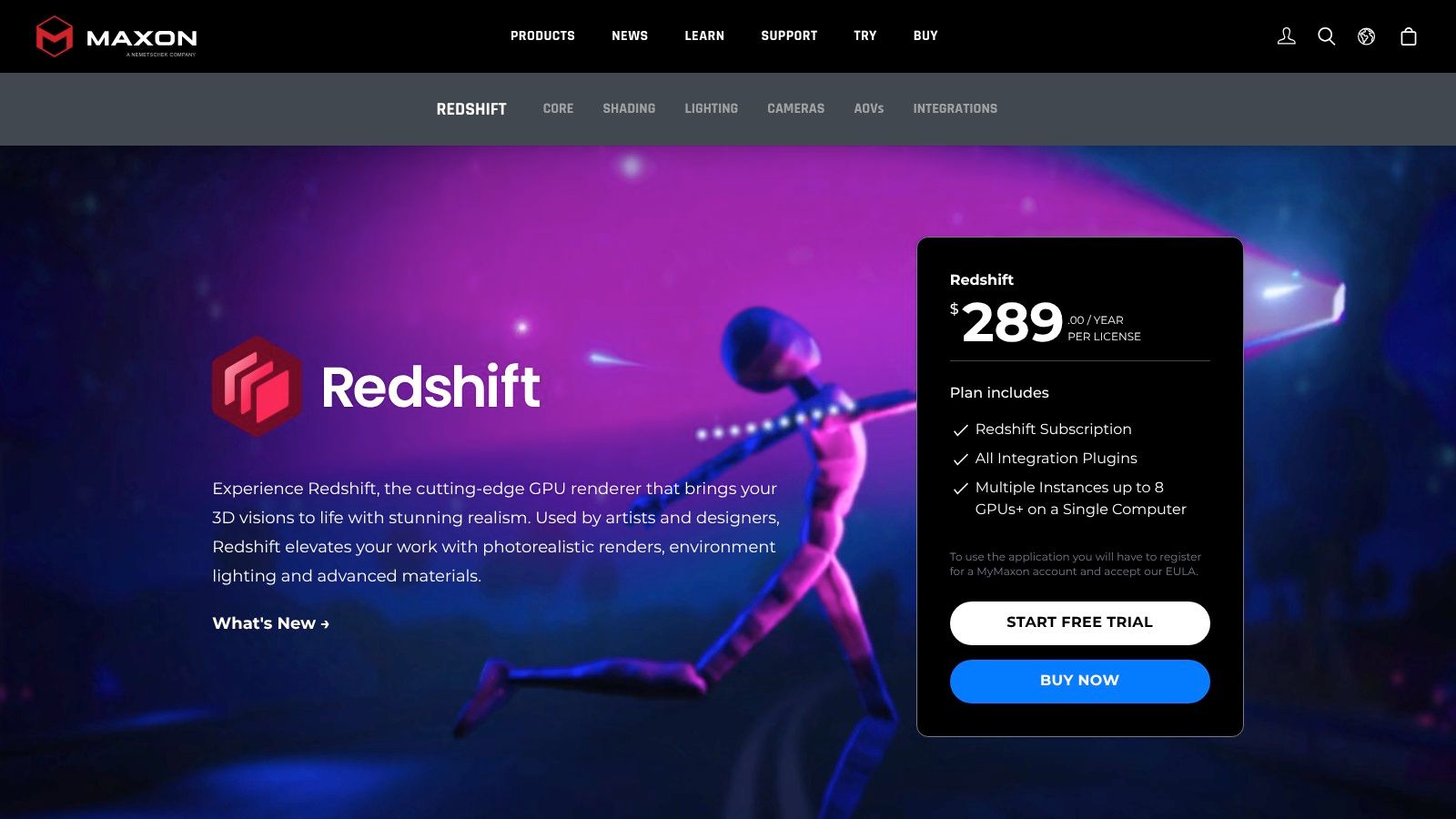
Its core advantage is rapid look development. Designers can quickly set up complex interior lighting scenarios and get high-quality previews in seconds, not hours. This speed is invaluable for client reviews and internal decision-making, especially when combined with Cinema 4D for animated walkthroughs or detailed visualizations. While it's a biased renderer, meaning it takes some artistic shortcuts for speed, its results are stunningly realistic and highly customizable, bridging the gap between real-time engines and slower, physically-based renderers.
Key Details & Use Case
- Ideal For: Fast-paced design studios and freelancers who need rapid iterations for interior lighting studies, material look development, and animated visualizations.
- Strengths: Extremely fast rendering on modern RTX GPUs, high-quality denoising capabilities, and a robust node-based material editor for creating complex surfaces.
- Limitations: Performance is entirely dependent on the power and VRAM of your GPU. New hardware releases can sometimes introduce temporary compatibility issues that require driver or software updates.
- Pricing: Redshift is available as part of the Maxon One subscription, which includes Cinema 4D, ZBrush, and the full Red Giant and Universe suites, starting at approximately $149 per month or $1,199 per year.
Website: https://www.maxon.net/en/redshift
Top 12 Interior Design 3D Rendering Software — Comparison
| Tool | Core focus | Speed & Quality (★) | Ease of use / Workflow | Value / Pricing (💰) | Target audience & USP (👥 / ✨) |
|---|---|---|---|---|---|
| 🏆 MoldaSpace | AI photoreal from sketches, photos, 3D exports | ★★★★☆ — sub‑minute, production‑quality | Intuitive natural‑language controls; wide input support | 💰 $19/40 credits (~$0.47/img); credits never expire; 2 free gens, 7‑day refund | 👥 Solo designers & small studios • ✨ instant style variants, fast client‑ready visuals |
| Chaos — V-Ray | Physically accurate offline ray‑tracer | ★★★★★ — industry benchmark realism | Deep controls; steeper learning, hardware‑intensive | 💰 Commercial licensing / per‑seat | 👥 Professional studios • ✨ ultimate material/GI control |
| Chaos — Enscape | Real‑time BIM‑linked renderer | ★★★★☆ — very fast, less offline realism | Live‑linked in Revit/SketchUp; instant previews | 💰 Subscription/licensed tiers | 👥 BIM users & client review workflows • ✨ live walkthroughs, VR/panoramas |
| Chaos — Corona | Fast, out‑of‑the‑box photoreal renderer | ★★★★☆ — excellent interiors quickly | Gentle learning curve; tight 3ds Max/C4D integration | 💰 Commercial (Chaos) | 👥 Boutique visualizers • ✨ fast first‑quality images, LightMix |
| Lumion | Real‑time cinematic presentations & animation | ★★★★☆ — cinematic, fast turnaround | Very user‑friendly; large asset library | 💰 Paid license (Studio/View options) | 👥 Architects/designers • ✨ huge assets + strong animation tools |
| Twinmotion (Epic) | Simple real‑time archviz with cloud sharing | ★★★☆☆ — fast, good for reviews | Extremely short learning curve; easy exports | 💰 Attractive licensing; free tiers for students | 👥 Small studios & students • ✨ quick VR/panoramas, cloud sharing |
| D5 Render | GPU real‑time path‑traced renderer | ★★★★☆ — polished path‑traced look | Live‑sync with modeling apps; fast iterations | 💰 Competitive commercial pricing | 👥 Interior pros (SketchUp/Revit) • ✨ high‑res stills & real‑time path tracing |
| Blender (Cycles/Eevee) | Free DCC with path‑tracer & real‑time engine | ★★★★☆ — powerful for cost | Full DCC; extra steps for BIM imports | 💰 Free (open‑source) | 👥 Freelancers/studios on budget • ✨ end‑to‑end modeling + rendering |
| Autodesk 3ds Max (Arnold) | Full DCC + production renderer | ★★★★★ — production‑grade stills & animation | Mature but complex; broad plugin support | 💰 Higher cost (Autodesk license) | 👥 Production studios • ✨ full modeling → render pipeline |
| NVIDIA Omniverse (Enterprise) | USD‑based real‑time RTX collaboration | ★★★★★ — RTX real‑time, high fidelity | Enterprise deployment; multi‑user workflows | 💰 Enterprise pricing / infra costs | 👥 Large studios & enterprises • ✨ live multi‑app collaboration |
| KeyShot (Luxion) | Fast studio material & product rendering | ★★★★☆ — quick studio‑quality stills | Drag‑and‑drop materials; minimal setup | 💰 Commercial licenses; add‑ons | 👥 Product/mat studies & interiors • ✨ instant material previews |
| Maxon Redshift | GPU‑biased fast renderer for DCCs | ★★★★☆ — very fast on modern GPUs | Host‑dependent; hardware/VRAM sensitive | 💰 Subscription via Maxon App | 👥 Motion & visualization pros • ✨ rapid GPU look‑dev |
Making the Right Choice for Your Design Workflow
Navigating the landscape of 3D rendering software can feel overwhelming, but as we've explored, the key isn't finding a single "best" application. Instead, the goal is to identify the right tool for your specific job. The ideal solution for a solo interior designer creating quick client mood boards is vastly different from what a large architectural firm needs for producing photorealistic marketing assets. Your decision ultimately hinges on a strategic balance of speed, realism, budget, and your existing technical skillset.
The journey to finding the best 3D rendering software for your interior design projects begins with a clear assessment of your primary needs. Are you prioritizing lightning-fast iteration and client collaboration, or is producing flawless, portfolio-grade imagery the main objective? Answering this question is the first and most critical step in narrowing down your options.
Key Takeaways: From Rapid Concepts to Photorealistic Finals
Throughout this guide, a clear pattern emerges: the division between real-time renderers and traditional, offline renderers.
- For Speed and Interactivity: Real-time engines like Enscape, Lumion, and Twinmotion have revolutionized the design process. Their strength lies in providing instant visual feedback, allowing you to walk clients through a space in real-time. This is invaluable for making immediate design decisions, exploring material options live, and accelerating the approval process. They are the workhorses for day-to-day design visualization.
- For Unmatched Realism: When absolute photorealism is non-negotiable, offline renderers like V-Ray, Corona, and Blender's Cycles remain the industry standard. Their path-tracing algorithms simulate light with scientific accuracy, producing images that are often indistinguishable from photographs. This level of quality is essential for final marketing materials, high-end client presentations, and projects where every nuance of light and shadow matters.
- The Rise of AI and GPU Acceleration: A new category, led by tools like MoldaSpace, leverages AI to dramatically shorten the initial concepting phase. These platforms offer near-instantaneous design variations, making them perfect for brainstorming and early-stage client discussions. Similarly, GPU-native renderers like D5 Render and Redshift offer a compelling middle ground, blending impressive speed with high-fidelity output.
How to Choose Your Rendering Software
Selecting your software is a strategic decision that impacts your entire workflow. Consider these final factors before making your investment:
- Project Type and Scale: Are you designing single residential rooms or large-scale commercial interiors? The complexity of your scenes will influence the hardware and software resources you need.
- Existing Modeling Software: Your choice is heavily tied to your primary 3D modeling tool (SketchUp, Revit, 3ds Max, etc.). Prioritize renderers with seamless, native integration to avoid clunky import/export workflows.
- Team Skill Level: Be honest about your team's technical proficiency and the time you can dedicate to learning. Enscape has a notoriously low learning curve, while V-Ray or Blender requires a more significant time investment to master.
- Budget and Licensing: Your budget will dictate whether you opt for a free, open-source tool like Blender, a subscription-based model like Enscape, or a perpetual license. Factor in the total cost of ownership, including any necessary hardware upgrades.
By carefully evaluating these points against the detailed strengths and weaknesses of each software we've covered, you can build a powerful and efficient visualization pipeline. The modern interior designer is no longer limited to a single tool; the most successful workflows often combine multiple applications. You might use an AI tool for initial concepts, a real-time engine for client walkthroughs, and an offline renderer for the final, stunning marketing shots. This flexible approach ensures you always have the perfect instrument for every stage of the design process, empowering you to bring your creative vision to life with more speed and impact than ever before.
Ready to supercharge your early-stage design process? While traditional renderers are essential for final visuals, AI-powered tools are changing the game for initial concepting and rapid iteration. Discover how MoldaSpace can help you generate hundreds of unique interior design concepts from a single 3D model in mere minutes, allowing you to explore more creative directions and impress clients from the very first meeting. Explore the future of design with MoldaSpace.