Best AI Rendering Tools for Revit (2026)
The best AI rendering tools for Revit in 2026 are Veras for AI renders generated from your live Revit view (and it comes included with Enscape), Enscape if you want AI enhancement on top of a real-time, BIM-linked renderer, and mnml.ai for a free-to-install Revit plugin with credit plans. If you work from exported Revit views, or need options from a Mac where Revit doesn't run, MoldaSpace renders concept images from a PNG or JPG in the browser, though it doesn't read the model and can change geometry.
Last updated: October 20, 2026
Revit itself has no built-in AI renderer. Autodesk lists Generative Design and Autodesk Assistant as Revit's AI features, and Revit 2027 added the assistant for questions about the model, not image generation. So "AI rendering for Revit" means an add-in that captures the view, or an outside tool that takes an exported image.
AI rendering tools for Revit compared
| Tool | Best for | Price (plan) | Platform / GPU needed | Input it takes | Free tier |
|---|---|---|---|---|---|
| Veras | AI from the live Revit view | $202.80/yr (Starter, ~50 images/mo) | Revit add-in + web app; cloud | Revit view, sketch, image | Free trial |
| Enscape | Real-time BIM rendering plus AI enhancement | $574.80/yr (Solo, includes Veras) | Windows GPU (4 GB VRAM min.) | Live Revit model | 14-day trial |
| D5 Lite | AI variations plus path-traced checks | Plugin free; AI Mode in D5 Pro ($360/yr) | Revit plugin; Windows | Live Revit view | 50 AI trial credits |
| mnml.ai | Free plugin, many AI tools | $29/mo (Lite, ~100 fast renders) | Revit plugin + browser; cloud | Revit view, sketch, image | 100 free credits |
| MoldaSpace | Concept options from exported views, any computer | $19/mo (Creator, 50 images) or $6 for 10 | Browser, no GPU | 2D image (JPG, PNG, WebP) | 5 free renders |
| MyArchitectAI | Unlimited stills for a flat fee | $29/mo (Starter) | Browser, no GPU | JPG, PNG, WebP export | Free trial |
Prices from each vendor's own page, checked October 20, 2026, in US dollars.
1. Veras: AI rendering from inside Revit
What it is. Chaos' AI renderer, running as a Revit add-in (also SketchUp, Rhino, Archicad, Vectorworks, Forma and Allplan) with a web app. It uses your Revit view as the base, so it respects massing and camera better than tools that only see a screenshot, and lets you change materials, style and atmosphere with prompts or reference images. Chaos says only the geometry and materials you specify change.
Best for. Revit teams exploring facade materials, color schemes and mood early in design, before anyone sets up a proper render.
Where it falls short. It's generative, not physically based: lighting is interpreted, and small details can drift even with geometry guidance. Not a substitute for a final production render or an animation pipeline.
Price. Starter $202.80/year (500 credits a month, about 50 standard images); Pro $348/year (2,000 credits). Included with Enscape, V-Ray and Corona plans. Checked October 20, 2026 on the Veras page. See MoldaSpace vs Veras.
2. Enscape: real-time BIM rendering with AI on top
What it is. The real-time renderer many Revit teams already use. It runs inside Revit and updates as you model; every plan now includes Veras AI and a monthly allowance of Chaos AI credits for AI-enhanced scenes and images.
Best for. Firms that want one tool for design reviews, client presentations and AI exploration, all tied to the Revit model.
Where it falls short. It renders on your GPU (Chaos lists a dedicated card with 4 GB of VRAM as the minimum, an RTX 3070 Ti class card as recommended), and the AI credits on Solo are small: 100 a month, about 5 AI-enhanced scenes by Chaos' estimate. Revit doesn't run on a Mac, so neither does Enscape-for-Revit.
Price. Solo $574.80/year, Premium $670.80 (5x the AI credits), Collection $730.80. Checked October 20, 2026 on Enscape's pricing page. See also our Enscape alternatives guide.
3. D5 Lite: AI and real light in one Revit plugin
What it is. D5's plugin for Revit, SketchUp and Rhino with an AI Mode for exploring options and a Render Mode with real-time path tracing to check the design in real light.
Best for. Revit users who want quick AI variations but also a physically based check of the actual model.
Where it falls short. Render Mode is built on D5's real-time engine, which is Windows-only and needs a ray-tracing GPU. The AI depends on a D5 plan once the trial credits run out.
Price. Free download; 50 AI trial credits on the Community plan; D5 lists AI Mode as free for a limited time on Pro ($360/year) and Teams. Checked October 20, 2026 on D5's pricing page. See MoldaSpace vs D5 Render.
4. mnml.ai: a Revit plugin with flexible credits
What it is. An AI studio for architecture with free plugins for Revit, SketchUp, Rhino and Grasshopper, plus a browser app with interior, exterior, sketch-to-image, render enhancement, upscaling and floor plan tools.
Best for. Teams who want to render straight from Revit views with a choice of AI engines and predictable monthly credits.
Where it falls short. Credit cost varies by engine, so heavy "ultra" use burns through plans faster. As with all AI renders, check details against the model.
Price. 100 free credits on signup, no card. Lite $29/month (1,000 credits, about 100 fast renders), Plus $49/month, Studio $119/month; 2 months free on annual billing. Checked October 20, 2026 on mnml.ai's pricing page. See MoldaSpace vs mnml.ai.
5. MoldaSpace: concept options from an exported view
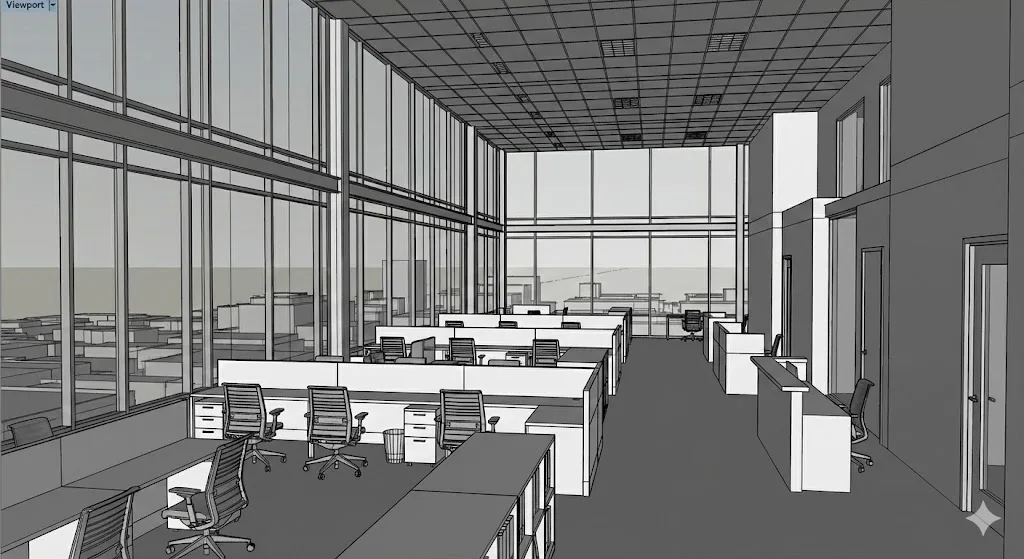
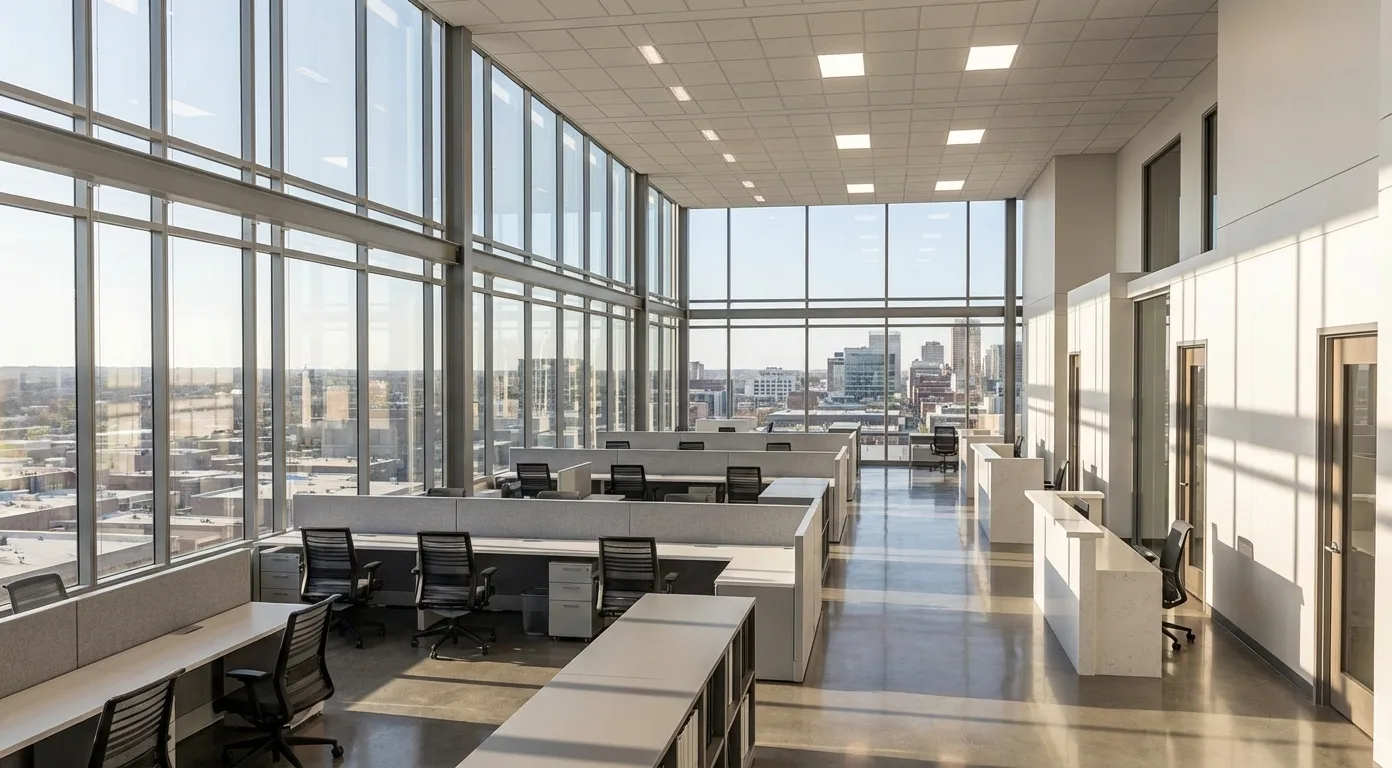
What it is. A browser-based AI visualization tool (ours). Export a Revit 3D view or a camera view as an image, upload it, describe finishes and lighting, and generate photoreal concept images. Results sit on a canvas next to the source so the team can compare options. Our median for a 2K image was 30 seconds across 336 jobs in the 30 days to October 20, 2026.
Best for. Interior designers and architects who receive Revit exports from a colleague, work on a Mac, or want several client options for a space without a GPU workstation or an add-in rollout.
Where it falls short. It has no Revit add-in and doesn't read .rvt files; it sees only the 2D image. The AI can change geometry, furniture, openings or fine details, so layout preservation isn't guaranteed, and materials are approximations rather than specifications. Outputs are concepts, not documentation. For BIM-linked production rendering, Enscape, D5 or V-Ray are the right tools.
Price. 5 free renders on signup; 10 credits for $6 or 40 for $19 (one-time); Creator $19/month (50 credits), Studio $99/month (300). 1 credit per 2K image, 2 per 4K. Checked October 20, 2026 against our billing code.
6. MyArchitectAI: flat-fee AI stills
What it is. A browser-based AI renderer that takes JPG, PNG or WebP uploads of CAD exports, line drawings and sketches, and renders on its own servers.
Best for. Firms that produce many stills a month and want unlimited renders for one price.
Where it falls short. It works from exported images, not the model, so details can shift, and its own FAQ excludes floor plans. Animations need the Studio plan.
Price. Starter $29/month (unlimited renders), Studio $49/month (adds animations), Team $99/month for 5 seats. Checked October 20, 2026 on MyArchitectAI's pricing page. See MoldaSpace vs MyArchitectAI.
Which Revit AI tool should you pick?
- You want AI renders that follow the Revit model closely: Veras (check first whether your Enscape or V-Ray plan already includes it).
- You want real-time BIM rendering and some AI: Enscape.
- You want AI plus a path-traced check, on Windows: D5 Lite.
- You want a free plugin with flexible credits: mnml.ai.
- You work from exported views, on any computer, for client options: MoldaSpace or MyArchitectAI.
For a step-by-step on Revit's own renderer and model preparation, see our guides to rendering in Revit and how to render in Revit.
How we chose
We started from the question Revit users ask ("what's the best AI rendering software for Revit exports?") and the tools that keep appearing in answers. For each, we checked on the vendor's own site on October 20, 2026: price and plan, whether it runs inside Revit or from an exported image, platform and GPU needs, and the free tier. We didn't run all six on one model for this update, so this is a fit guide, not an image-quality ranking. MoldaSpace is our product; we've put its limits in the same terms as everyone else's. For one-to-one comparisons between MoldaSpace and individual tools, see our comparison hub.
Frequently asked questions
Does Revit have AI rendering built in?
No. Autodesk lists Generative Design and Autodesk Assistant as Revit's AI features. For AI images you need an add-in such as Veras, D5 Lite or mnml.ai, or a tool that takes an exported view.
Which AI renderer keeps my Revit geometry most accurate?
Tools that start from the live model view, such as Veras and D5 Lite, keep massing and camera closer than tools that only see a screenshot. None of them guarantees exact geometry; for that, use a model-based renderer like Enscape, V-Ray or D5 Render.
Can I use AI rendering for Revit on a Mac?
Revit doesn't run on macOS, so add-ins don't either. You can export views on a Windows machine and render them in a browser tool like MoldaSpace, mnml.ai, MyArchitectAI or the Veras web app.
Is Veras included with Enscape?
Yes. Enscape Solo, Premium and Collection all list Veras AI, along with a monthly allowance of Chaos AI credits.
What's the cheapest way to get AI renders from Revit?
Use free starts first: 100 credits on mnml.ai, 5 renders on MoldaSpace, 50 AI credits in D5 Lite, and the Veras trial. After that, MoldaSpace's 10-credit pack is $6 with no subscription, and Veras Starter is $202.80 a year.